

College AI Detector Free Online




AI Detector That Colleges Use For Essays
Review your college essay, application, assignment, or reflection for AI writing. Lynote will show you if your text looks AI-generated. It will highlight each sentence so you can see what part looks AI-generated.
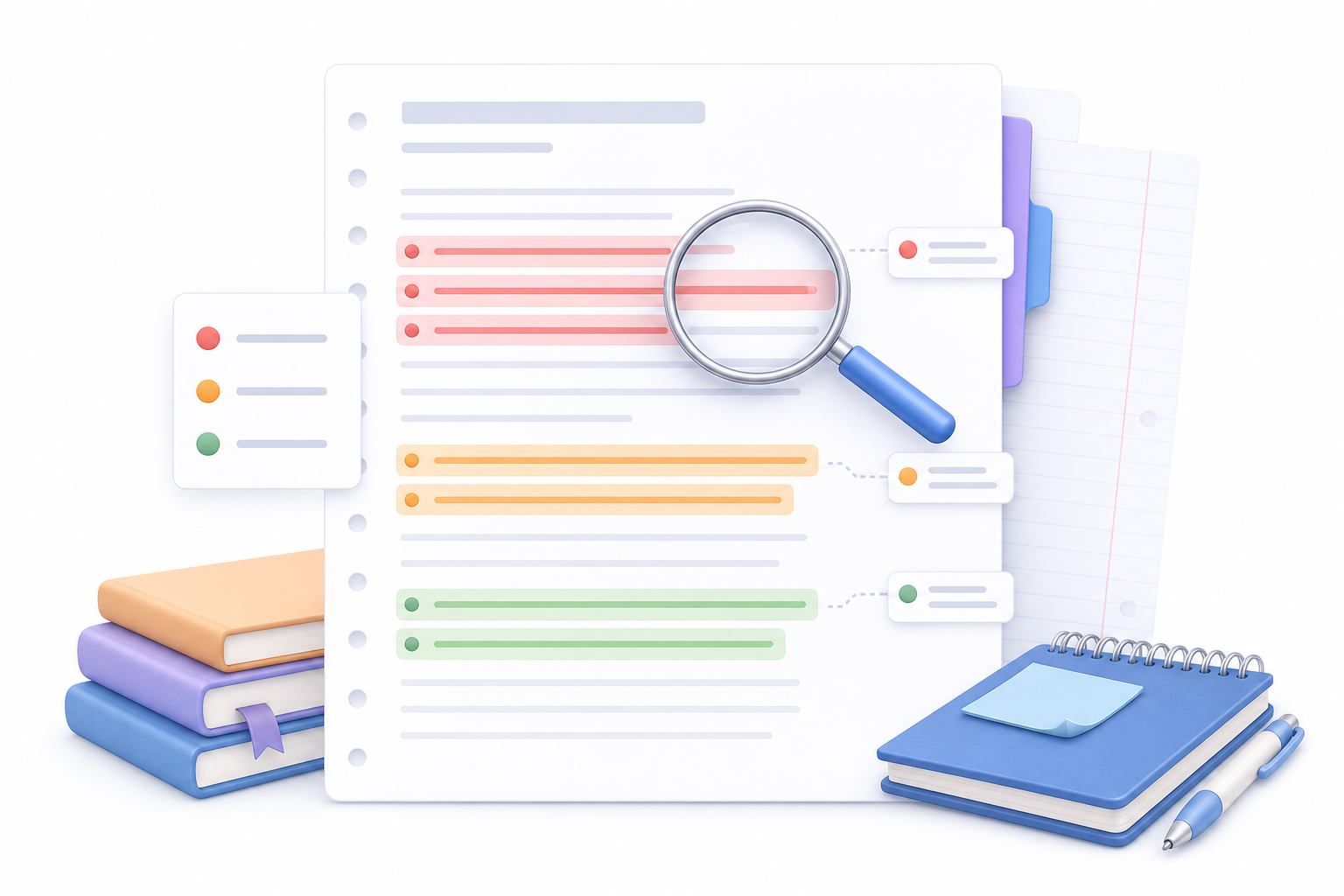
College AI Checker By Sentence-Level
Don’t rely only on a number. Lynote will show you which parts look AI-generated, mixed, or human-written. This helps students and reviewers know which parts should be rewritten to include more personal experiences, better explanations, or more citations.

College Level AI Detector to Check Writing Before Submission
Use as a review step before you submit your work. Remember that AI detectors are not perfect and often have false positives. Lynote isn’t trying to say your work is perfectly fine for school, or that it will pass any other tool.
Why Use Lynote as a College AI Checker

Built for College Essays
Check your personal statements, class essays, and other academic writing drafts to see whether they contain AI-like writing patterns.

AI, Mixed, and Human Signals
Get a three-way result, rather than one opaque score, to show you which sections of your essay are being flagged as likely AI-generated, likely human-written, or mixed.

Sentence-Level Highlights,College AI Checker
View examples of sentences that seem to be written by AI, by a human, or in combination. Then, determine where to improve the source of your information or the way you’ve phrased them.

ChatGPT, Claude, and Gemini Review
Best ai detector used by universities,use Lynote to identify AI-writing styles commonly associated with large language models. Keep in mind that results should serve as clues, not conclusions.

Paste or Upload Drafts
Paste a short essay into the detector, or upload a supported PDF, DOCX, or TXT file if you’re checking a longer academic writing draft.

Useful for Revision Conversations
Students, tutors, and teachers can use the report to evaluate your draft’s originality, voice, and citations, and to start a conversation about writing. But a detector shouldn’t be considered the final word.
AI Checker for Colleges Use Cases

Class Essays and Assignments
Scan weekly papers, online posts, and take-home exams for AI-sounding passages before you do your final edit.
Scan weekly papers, online posts, and take-home exams for AI-sounding passages before you do your final edit.

Graduate and Research Drafts
Look at literature reviews, dissertation chapters, and executive summaries for parts that seem generic or computer-generated.
Look at literature reviews, dissertation chapters, and executive summaries for parts that seem generic or computer-generated.

College Application Essays
Check application essays for parts that should be more unique, personal, detailed, and reflective.
Check application essays for parts that should be more unique, personal, detailed, and reflective.

Writing Center Reviews
Treat sentence-level signals as conversation prompts to help students revise organization, clarity, citation of sources, and style.
Treat sentence-level signals as conversation prompts to help students revise organization, clarity, citation of sources, and style.
How to Check a College Essay for AI
 Step 1
Paste or Upload Your Draft
Go to the Lynote AI detector. Paste in your essay text, or select from a PDF, DOCX, or TXT document to check a longer piece.

 Step 2
Click Detect AI
Begin scanning. Lynote will then process the content and provide you with data on what appears to be written by humans, AI or both.
 Step 3
Review Highlighted Sentences
Look at your highlighted sections to see areas of concern and revise. If something needs more support or better citation, add the information. If a sentence lacks personality, rewrite it in your own words.

Paste or Upload Your Draft
Go to the Lynote AI detector. Paste in your essay text, or select from a PDF, DOCX, or TXT document to check a longer piece.
Click Detect AI
Begin scanning. Lynote will then process the content and provide you with data on what appears to be written by humans, AI or both.
Review Highlighted Sentences
Look at your highlighted sections to see areas of concern and revise. If something needs more support or better citation, add the information. If a sentence lacks personality, rewrite it in your own words.
Who Can Use This College AI Detector?

College Students
Run your own essays through to detect AI tendencies; you can use the output to refine your writing in order to achieve greater specificity and nuance.

Professors and Instructors
Use this ai detector for college professors as one indicator while talking to your students about writing quality, the consistency of their drafts, and whether they may have used AI.

Academic Support Teams
Help facilitate equitable and nuanced discussions about student writing without solely relying on an AI detector.

ESL and International Students
Read your more formal or polished drafts of English papers to see if they may sound repetitive, bland, or unnaturally consistent.

Teaching Assistants
Check drafts for sections that may warrant a closer look, then offer targeted feedback on evidence, organization, and sources.

Graduate Students
Evaluate longer chunks of academic writing before getting feedback from an advisor, and flag parts that could use clearer authorship.
What College Users Say About Lynote

Undergraduate Student

Before turning in a research paper, I ran Lynote. There were some paragraphs that read too “good.” The highlighted text gave me an idea of where to begin revising rather than just having to guess.

College Writing Instructor
Lynote provides a better starting place for students to revise their essays. Because the report contains mixed signals and highlights text, it allows me to keep conversations about student feedback focused on their writing.

Writing Center Tutor
When students ask about AI-detection, I can go through their drafts line by line with Lynote to determine how to improve clarity, citation usage, and voice consistency.

Admissions Essay Coach
In personal statements, generic language can cause an otherwise compelling story to fall flat. With Lynote, I can identify where students have smoothed things out too much and guide them to include more specific, personal content.

Graduate Research Assistant
I use Lynote when a lengthy literature review section feels inconsistent. I can use Lynote to look for places to incorporate original content and to see if there are ways to transition between sources more smoothly.

ESL Academic Writer
Lynote comes in handy when my formal English sounds repetitive and overly consistent. It allows me to work on achieving a smoother flow without losing the technical nature of the piece.
Humanize College Essays in Human Voice
If Lynote college detector flags much AI content,use AI humanizer to humanize your essay into a much natural human voice.
FAQs About College AI Detectors
Answers to common questions about AI checkers, college essays, and responsible review.
Different colleges might use different tools (some through their learning platforms, some with plagiarism checkers, or some just reviewing work themselves). No one AI detector is used across all colleges. The results from these detectors are often reviewed along with other information, like previous drafts, sources, and the instructor’s knowledge.
Many colleges and professors do use some type of AI writing detection, though each school, department, or course may have its own policy. These tools can help identify possible areas of concern, but they are not definitive proof.
Some colleges may check essays, applications, or other written work for AI-generated text if there is a suspicion of non-human writing. Lynote can help you check your own essay first to see if there is AI, mixed, or human content sentence-by-sentence.
Colleges may check writing style, revision history, sources, prompt alignment, student discussion, and AI detection scores. The most effective approach uses multiple pieces of information rather than just one score.
Yes, AI detectors can make mistakes (both false positives and false negatives), particularly for formal writing, heavily-edited ESL papers, formulaic writing, or papers that were significantly reworked. Lynote can help you review your work for AI content, and you should always read the flagged sentences before concluding anything,this is the best ai detector used by universities.
No. Lynote is an AI writing review tool that allows you to scan for AI-like content within supported text or documents uploaded to the platform. It is not a substitute for your institution’s submission portal or academic honesty procedures.
Yes, you can use Lynote to check your college essays, homework, application essays, and other academic writing. Its purpose is to assist with editing, check the flagged portions and then refine the piece by improving clarity, supporting evidence, citations, and individual perspective.
Carefully read through the flagged sentences. Ensure you have included concrete examples, explained your thought process, added missing references, and that the paper sounds like your work. Do not rely solely on an AI detection score.
Other AI Tools You May Need to Detect AI Text and Humanize Content


More Knowledge on AI Detection,Humanization and Content Authenticity Besides of AI Detector College
Seek more latest knowledge on AI text checking, essay humanization and content detection whenever it is helpful for you.


