Live results

Students
Essays & assignments
Our essay word counter shows whether your draft meets the required length. See how much more to write or cut before handing it in.


Lynote’s free word counter tool counts words, characters, sentences and paragraphs. Calculate word counts with or without spaces. See if your text fits your limit.
A word counter tells you how many words are in a piece of text. It saves you from counting by hand when an essay, article or application needs to be a certain length.
Check your word count online as you write, compare the total with a target and copy your text when you’re done. There’s nothing to install.
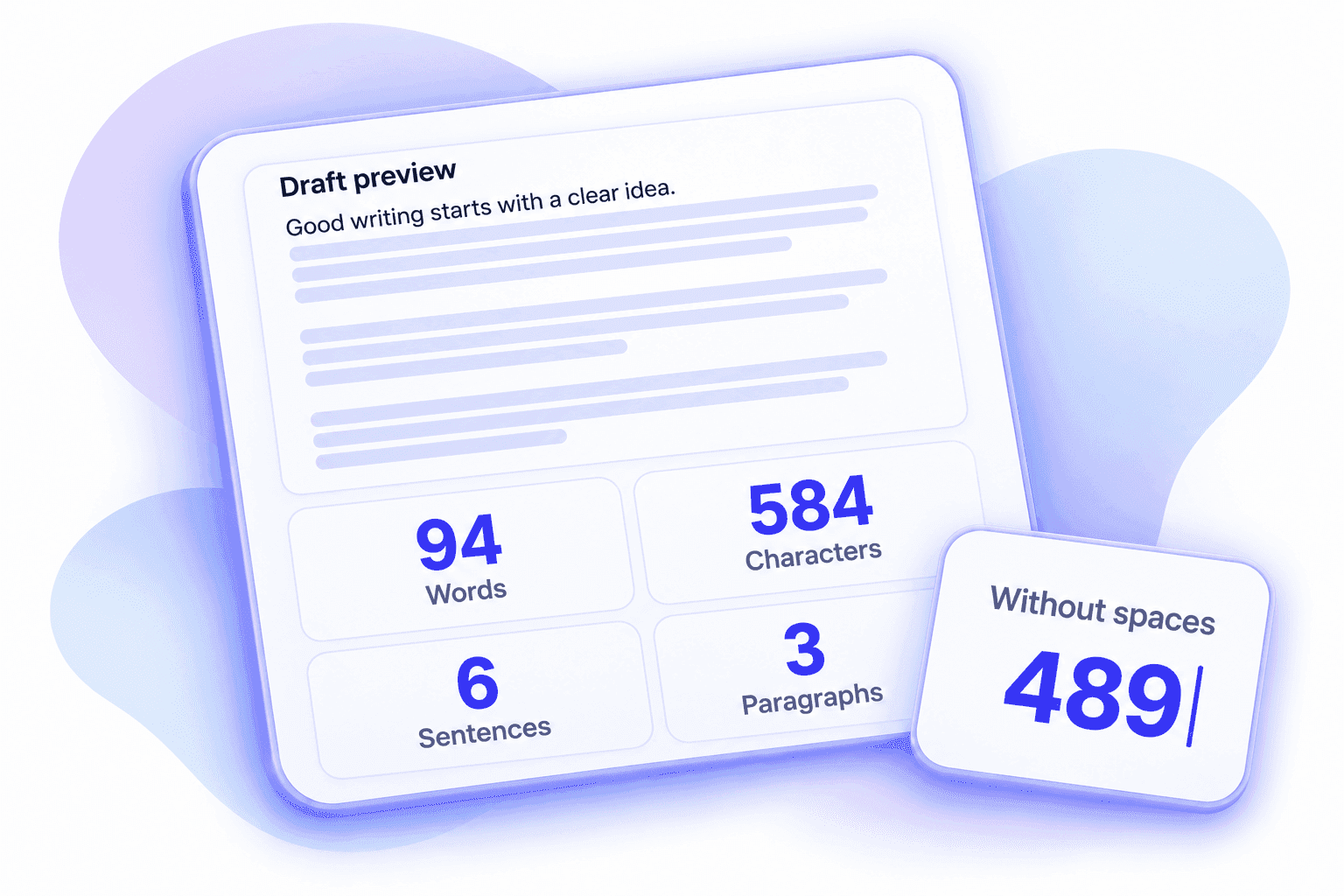
See all four counts together as you write. This word count checker updates instantly when you add, remove or change text, so you always know how long your draft is.
The character counter shows totals with and without spaces. Whether you’re checking an essay, an email or a short caption, you can find the number you need without counting it yourself.
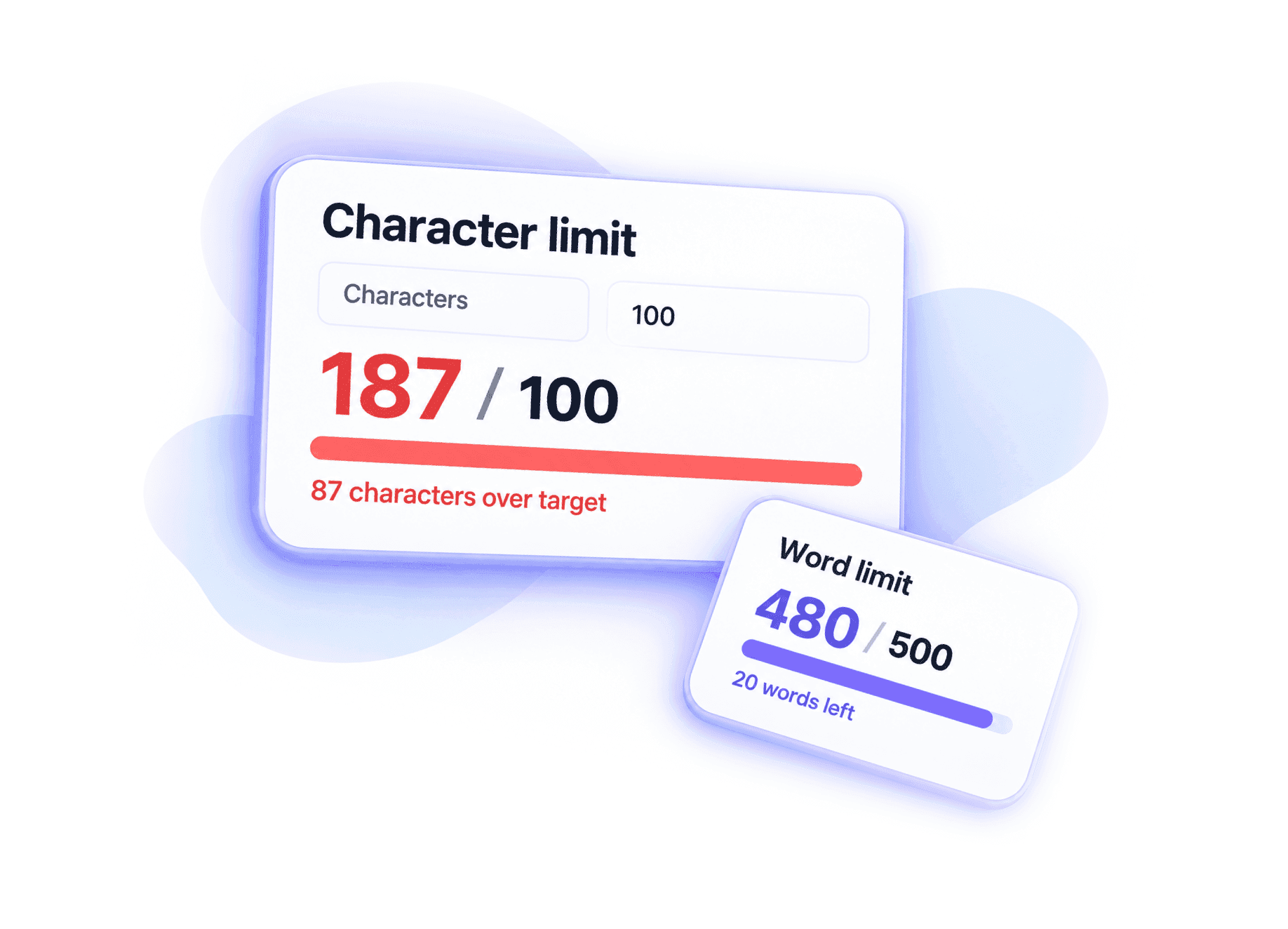
Our word and character limit checker shows whether your writing fits the length you need. It tracks a target in words or characters and tells you exactly how many are left, or how many you need to cut.
The progress bar changes as you edit. It helps you keep an essay, application answer or social caption within the required length, without doing the maths yourself.
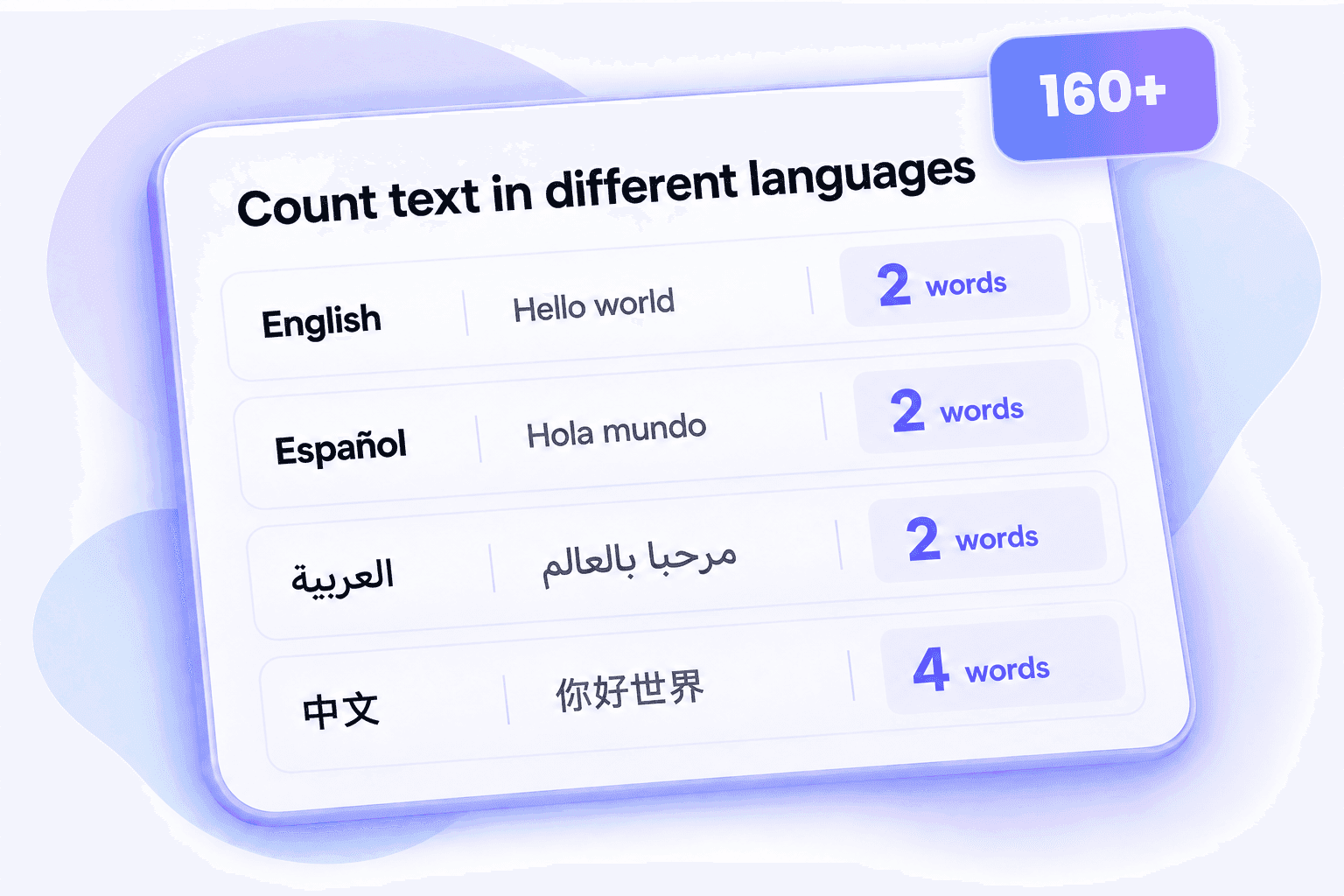
Your writing doesn’t have to be in English. Count words in Spanish, French, German, Arabic and other languages that separate words with spaces. You can also check character counts for Chinese, Japanese and Korean text.
From language assignments to translated articles, you can check the length of different versions in one familiar tool. There’s no need to switch tools each time you switch languages.
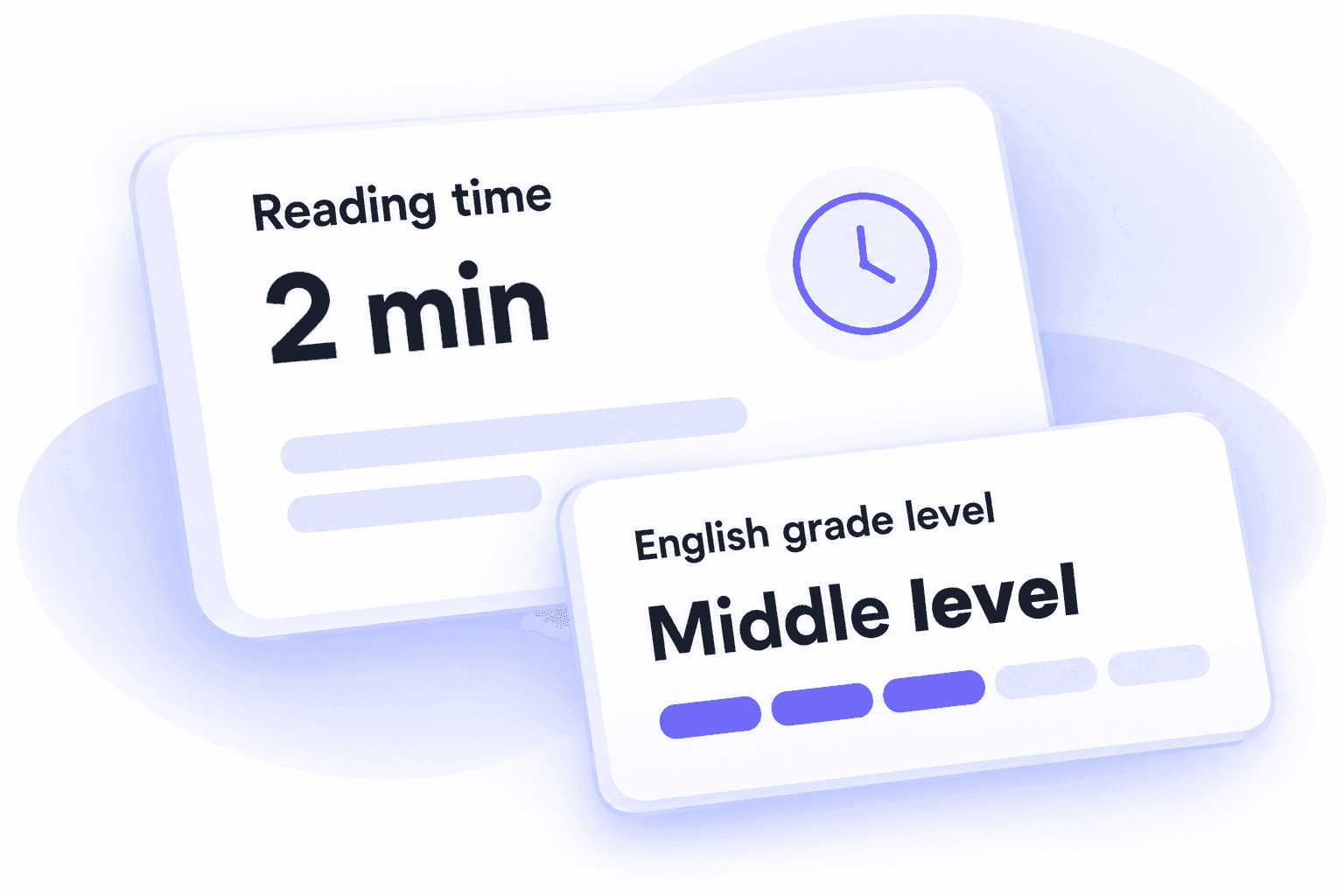
Reading time gives you an idea of how long someone may spend on your text. It helps you tell a quick update from a longer read before you share an article, report or lesson.
For English writing, a reading grade also estimates how difficult the text may be to read. Use it to spot when shorter sentences or simpler words might help your audience.
 Step 1
Type or paste your text
Add your essay, article, caption or other writing to the text box.

 Step 2
Review your live counts
Check words, characters, sentences and paragraphs as you edit.
 Step 3
Copy your finished text
Make sure it fits your limit, then copy your text when it’s ready.

Add your essay, article, caption or other writing to the text box.
Check words, characters, sentences and paragraphs as you edit.
Make sure it fits your limit, then copy your text when it’s ready.
Use it whenever your writing needs to fit a word count or character limit.
Essays & assignments
Our essay word counter shows whether your draft meets the required length. See how much more to write or cut before handing it in.

Articles & daily writing
Follow the word count of an article, story or book chapter while you write. See how the total changes as you revise.

Abstracts & teaching materials
Keep a research abstract within its word limit, or check the length of a handout before sharing it with your class.

Applications & personal statements
Check the word or character count of a cover letter, personal statement or application answer before you send it.

Captions, bios & short copy
Check how many characters are in a caption, bio or ad. Set your own limit and see how much space is left.

Reports & business writing
Check the length of a report, email or summary. Reading time also helps you see how long it may take colleagues to read.
Instant results, all your counts in one place and more writing tools when you need them.

Your counts appear as soon as you type or paste text. Every edit updates the results instantly, with no waiting or extra button to press.

Words, characters, sentences, paragraphs and reading time appear together. You can also see character counts without spaces, without running separate checks for each number.

Lynote combines Word Counter, Invisible Character, AI Detector and AI Humanizer in one place. Count words, copy blank text, check for AI-generated content or improve your wording with the tool you need.

Check your word count on a computer, phone or tablet. The layout fits your screen, so you can review your writing wherever you work.

Check word and character counts for free whenever you need them. A quick count for an essay, article or caption doesn’t need a paid subscription.

Start counting without creating an account or installing an app. Open the online word counter, add your text and get straight to your results.

Your text is counted in your browser. This tool doesn’t upload or save your writing, so you stay in control of what you share.
Yes. “Characters” includes spaces, punctuation and line breaks. “Without spaces” leaves out spaces, tabs and line breaks, so you can see both totals at once. Some emoji contain several characters and may count as more than one.
Yes. You can count words, characters, sentences and paragraphs for free, with no sign-up or subscription required. Add your text in the browser and the results update as you write.
A word calculator is another name for a word counter. It counts the words in your text automatically. Lynote also shows characters, sentences and paragraphs, so you can check more than just the total number of words.
Use Length target below the text box. Choose Words or Characters and enter your limit. The counter shows how many are left, or how many you are over. Character targets use the total including spaces. You can change your target at any time.
Yes. Add your essay to see its word count, then set a word target to check its length. Include the title, references and other sections only if your assignment asks you to count them.
Yes. You can enter text in different languages without choosing a language setting. For languages with spaces, groups of letters and numbers are counted as words. Chinese, Japanese and Korean characters are counted individually in the Words total, rather than split into linguistic words. Other languages without spaces may also need a language-specific counter for word segmentation.
Sentences are counted using full stops, question marks and exclamation marks, including their Chinese and Japanese forms. Common English abbreviations are handled separately. Paragraphs are blocks of text separated by a blank line.
It is an estimate based on 250 words per minute, or 300 characters per minute for Chinese, Japanese and Korean. The time someone actually needs will depend on the text and how quickly they read.
It estimates how difficult English text may be to read, using sentence length and estimated syllables. It is a reading estimate, not a score for writing quality. Add at least 20 English words for a result; it is not designed to grade other languages.
Different tools use different rules for hyphenated words, punctuation and languages without spaces. Lynote keeps contractions and hyphenated words together, ignores punctuation on its own and counts paragraphs separated by blank lines. For a strict submission limit, check the final count in the form you’re submitting to.
Yes. Choose Characters under Length target and enter the limit for your post, caption or bio. This is a general character count. Social platforms may count links or emoji differently, so check the final total in the app before publishing.
No. Your text is counted in your browser without being uploaded or saved by this tool. Copy any writing you want to keep before refreshing or leaving the page.
No. Lynote can count words in text from ChatGPT or any other writing tool. It uses the same counting rules for human-written and AI-generated text, directly in your browser. For AI detection or help refining wording, explore Lynote’s AI Detector and AI Humanizer.