

Free AI Resume Detector|CV Score Checker



Why Use Lynote AI Resume ATS Checker

AI Resume Writing Reviewer
ATS Screening if your resume, CV, or professional summary has AI-like language, repetitive phrasing, or sections that may read too generic to a recruiter.

Sentence-Level Resume Scorer
Lynote marks specific resume lines instead of just giving one score so you can see which bullet points or summaries might need a more personalized touch.

Resume Analyzer of Generic Bullet Point
Find resume bullets that sound templated, vague, or over-polished and revise them with clearer accomplishments, context, and quantifiable details.

Resume and CV Tester
Paste text to quickly check for AI resume content or upload a supported PDF, DOCX, or TXT file if you want to review a larger draft.

Privacy-Minded Review,ATS Friendly
Use Lynote to review sensitive career text without making it a hiring decision or a permanent judgment of authorship.

Revision-Focused Feedback
Treat the AI score as an editing prompt. Leverage the highlighted lines to make your resume sound more specific, authentic, and in line with your true experience.
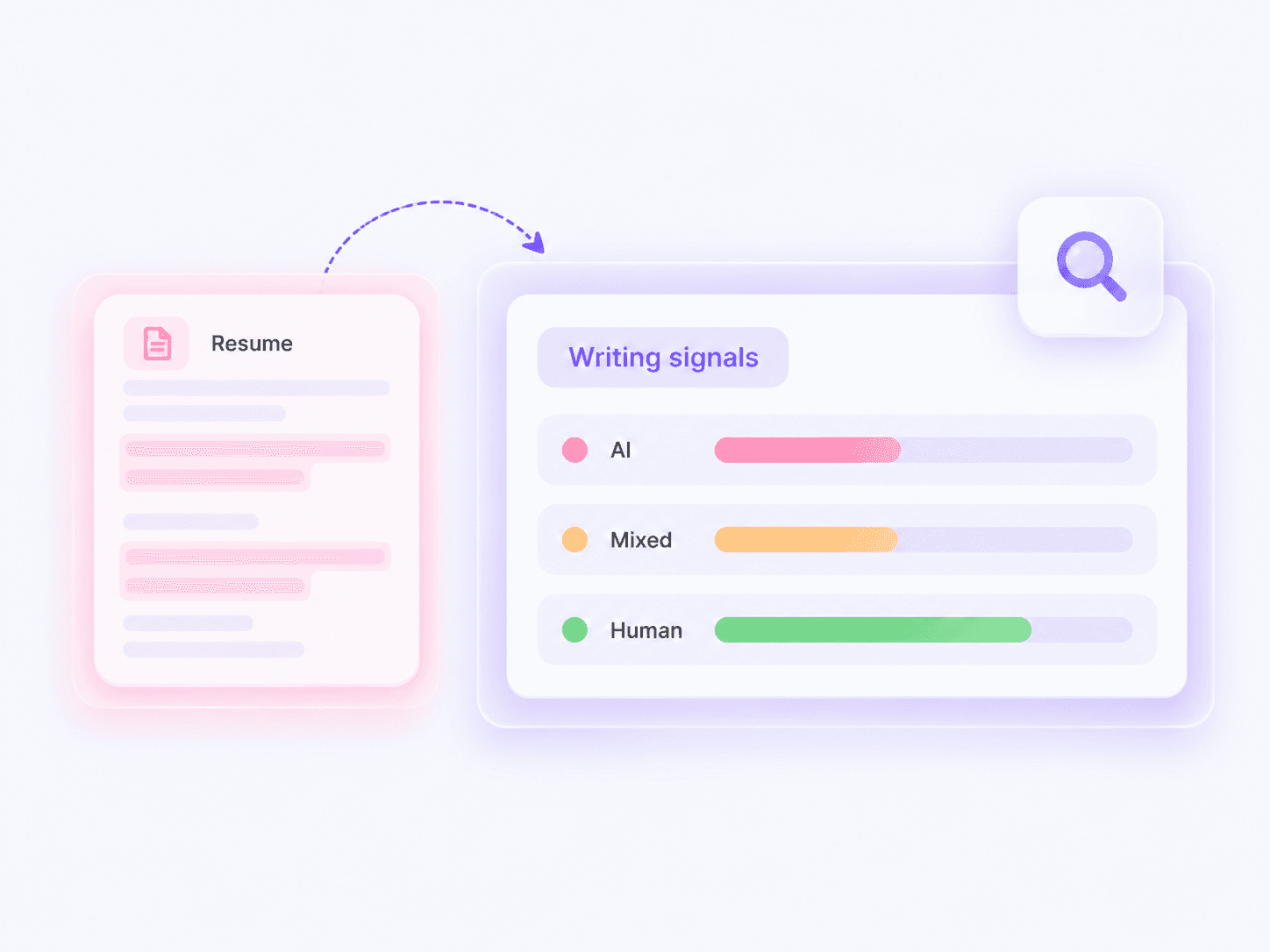
AI Resume&CV Checker
Put your resume, CV, or career summary through an AI checker. Lynote distinguishes between AI, blended, and human content so you can see what it says about your document before you send it out.
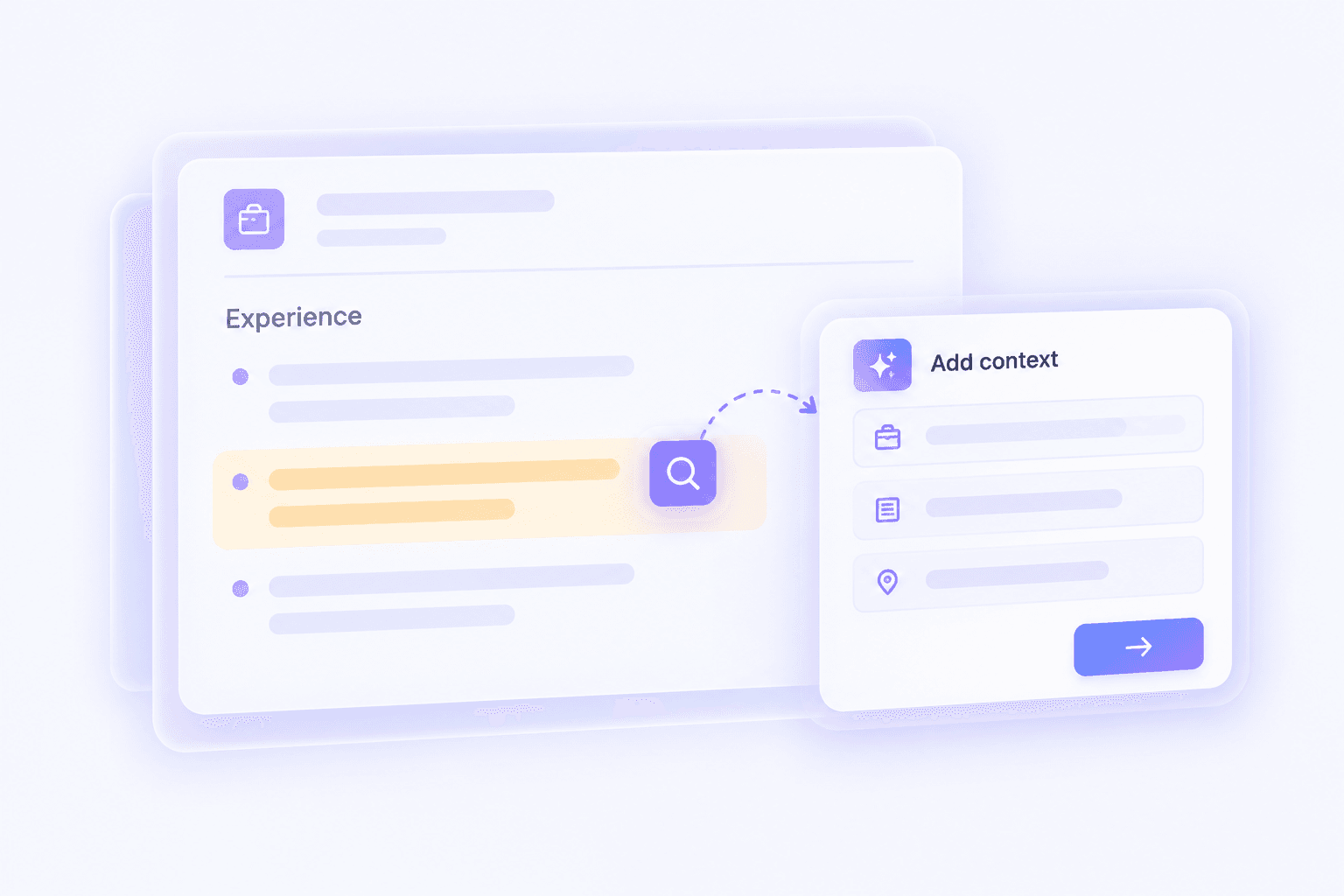
Resume Analyzer of Generic Bullet Points
Instead of one overall score, Lynote will identify lines that could be repetitive, vague, or over-written, giving you a chance to improve those points with better context, results, and specifics.
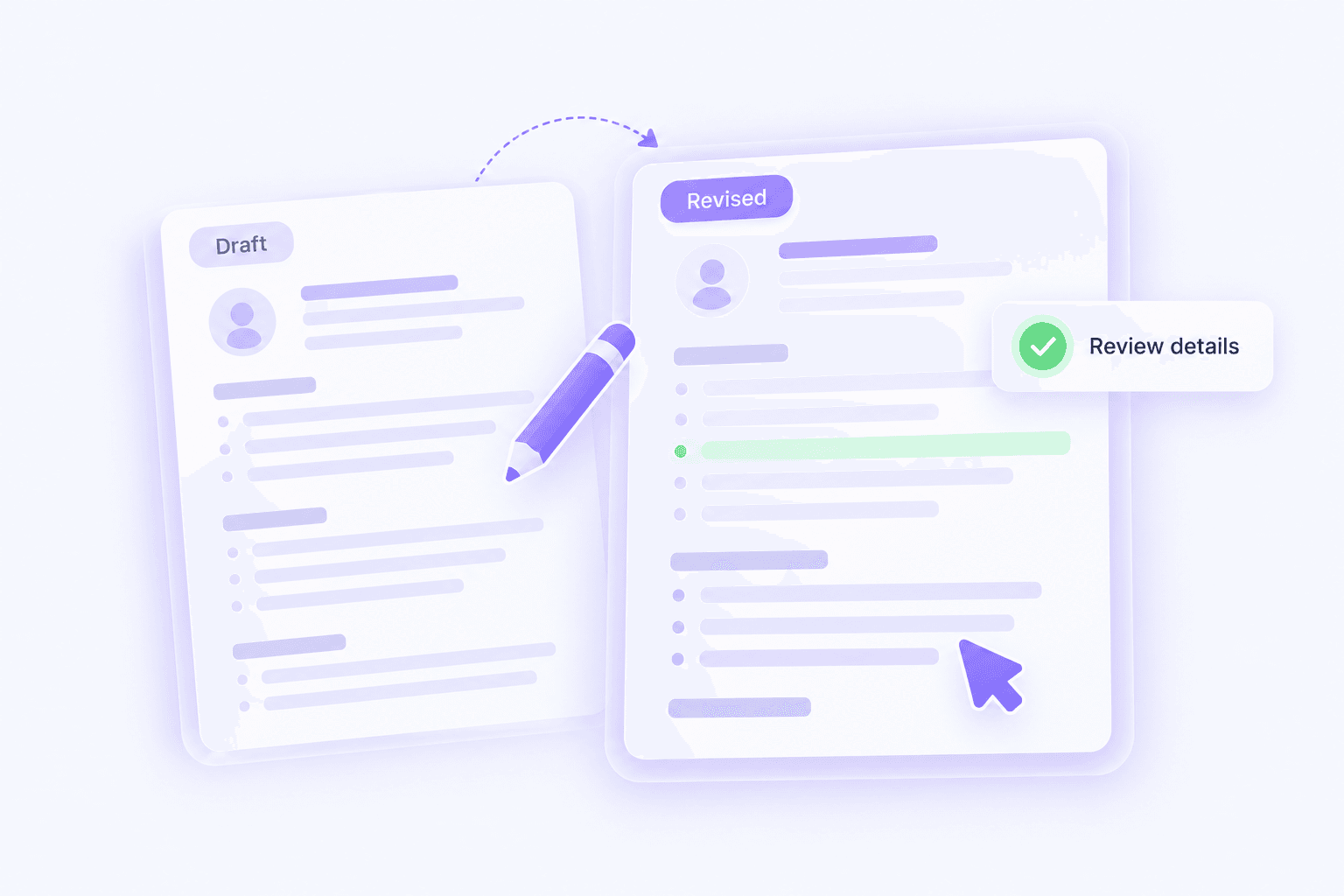
Resume Screening and Revise Before Applying
Use the output of Lynote as a revision tool, not a hiring tool. AI detectors can give false positives. We’re here to help you revise your resume, not guarantee you’ll pass an ATS tester or land an interview.
How to Check a Resume for AI Writing
 Step 1
Paste or Upload Your Resume
Copy and paste your resume text into the checker or upload a supported PDF, DOCX, or TXT file to check an entire resume draft.

 Step 2
Run the AI Resume Rating Check
Hit the detection button to find the AI-generated, mixed, and human writing indicators in your summary, experience bullets, and other resume areas.
 Step 3
Resume Review and Revise
Use the highlighted text to swap out vague language with concrete accomplishments, better role descriptions, and more information about what you actually did.

Paste or Upload Your Resume
Copy and paste your resume text into the checker or upload a supported PDF, DOCX, or TXT file to check an entire resume draft.
Run the AI Resume Rating Check
Hit the detection button to find the AI-generated, mixed, and human writing indicators in your summary, experience bullets, and other resume areas.
Resume Review and Revise
Use the highlighted text to swap out vague language with concrete accomplishments, better role descriptions, and more information about what you actually did.
Useful Resume Review Scenarios

Executive and Leadership Resumes
Review leadership summaries for broad and vague statements of strategy; include more specific details about the scope, decisions made, team size, or business impact if missing.
Review leadership summaries for broad and vague statements of strategy; include more specific details about the scope, decisions made, team size, or business impact if missing.

Career Change Resumes
Check to see if transferable skills feel generic, and rework the bullet points to include more specific examples from past experiences or projects.
Check to see if transferable skills feel generic, and rework the bullet points to include more specific examples from past experiences or projects.

Technical and Product Roles
Look at technical summaries for use of buzzwords; if any exist, include specific tools, systems, results, and responsibilities that relate to your work.
Look at technical summaries for use of buzzwords; if any exist, include specific tools, systems, results, and responsibilities that relate to your work.

Student and Graduate CVs
Review entry-level resumes for language that sounds too much like AI-generated content and tweak the academic projects, internships, or accomplishments to be more specific.
Review entry-level resumes for language that sounds too much like AI-generated content and tweak the academic projects, internships, or accomplishments to be more specific.
Who Is the AI Resume Checker For

Job Seekers
Check whether your resume reads like it was written by AI, too generic, or over-polished, and don’t post it to a job board, recruiter, or company website.

Career Coaches
Bring up these sentence-level signals when talking with clients about resume clarity and help them include more specific, evidence-based accomplishments.

Resume Writers
Scan draft resumes for overly repetitive AI-style language and edit those sections to be more tailored to the position and candidate.

Freelance Consultants
Edit bios, proposals, and project descriptions to sound more authentic, specific, and tied to real client projects.

Recruiters and HR Teams
Keep AI-writing signals in mind when reviewing documents but don’t automatically make a decision based solely on a detector score.

Students and Recent Graduates
Check early-career resumes and CVs for overly templated language, then fill in more specifics using coursework, internships, and project experience.
Resume Review Feedback from Users

Senior Project Manager

Lynote showed me which bullet points were overly generic. I revised those bullets by adding specific project information and the end result was way more tailored to what I’ve done.

Career Consultant
I treat the highlights as a way to talk with clients. It’s helpful for flagging AI-like phrasing, but I don’t consider the score the full picture.

Software Engineer
Lynote picked up several over-polished, non-specific phrases in my summary of technical skills. I substituted those phrases with tools, platforms, and results I have actually used.

HR Director
For executive resumes, the line-by-line analysis is useful because it calls out vague leadership statements that require more concrete details.

Marketing Specialist
I didn’t know how similar my bullet points were until Lynote flagged all of the weak ones at once. That made my revisions much simpler.

MBA Graduate
As a new grad, I used Lynote to ensure that my resume reflected my personal projects and internship experience rather than a stock resume.
FAQs About AI Resume Checking
Common questions about checking resumes, CVs, and application drafts for AI-like writing signals.
To do a quick AI resume check with Lynote, open the Lynote tool in your browser. Paste the text of your resume into the box or upload a supported file. Then you’ll see signals for AI, mixed, and human-written content.
Recruiters might notice if resumes sound generic, repetitive, or disconnected from a candidate’s real experience. A few hiring teams use ATS cv checker to filter out resumes, but don’t rely on the AI resume checker to prove anything.
ATS and other hiring tools may evaluate your resume in different ways, so don’t use Lynote to determine whether your resume will pass ATS. Instead, use Lynote to look for AI-like wording and to improve the quality of your resume before applying.
Paste the text of your resume into Lynote or upload a supported PDF, DOCX, or TXT file. Click the “AI Check” button and review the highlighted parts of your resume. Look for any sentences or phrases that seem vague or overly polished. You may want to replace them with more specific examples that are relevant to your work experience.
It’s okay to use AI to brainstorm and draft your resume, but you should make sure your final resume accurately represents your skills and experience. Lynote lets you check the quality of your draft and add more detail to make your resume stand out.
Don’t treat the Lynote AI Resume Checker result as a definitive answer. Use it to identify areas where your resume might be flagged by ATS or recruiters. Edit any generic-sounding sections and recheck the score after you’ve made changes.
Lynote is primarily designed as an AI resume checker. While it can help you identify AI-like writing and general wording, it won’t guarantee your resume will pass ATS, be selected by recruiters, or result in an interview.
More Tools to Review Your Resume and Refine Application Writing


Humanize Your Resume Right Away
Take action in a minute to make your resume in human voice before you submitting.
Learn More Knowledge in Lynote Seminar
Explore more AI detection, rewriting and humanization knowledge in Lynote seminar for a easier life.


