

Bypass AI — Humanize Text to Bypass AI Detectors
Content
Bypass Result

Your transformed text will be ready here. To begin, paste your AI-generated text above and humanize it.



Why Choose Lynote’s AI Bypasser?

Sentence-Level Rewriting
Rework the structure and flow of a passage, beyond swapping isolated words.
Three Rewrite Modes
Choose Simple, Standard, or Enhanced for the depth of revision your draft needs.

Your Meaning in Focus
Compare original and revised text together, with key facts and terminology in view.

Writing That Fits
Adjust Readability and Purpose to suit the audience and document.

Text and Document Input
Paste your draft or upload a supported file to begin rewriting in the browser.

Compare Before You Copy
Read the revised passage beside the original, then copy the version you want to use.
Bypass AI Detectors With Human-Sounding Text
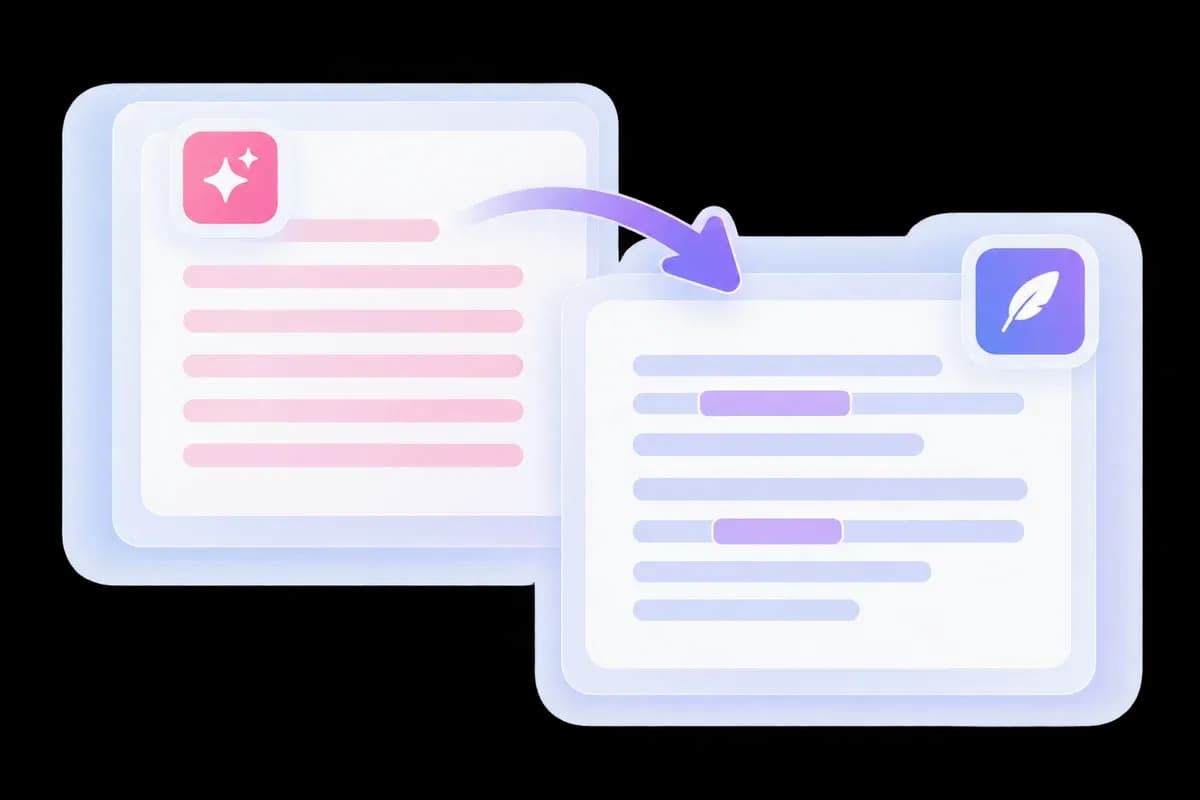
AI-generated paragraphs often repeat the same openings, transitions, and sentence shapes. Lynote’s AI detector bypass tool rewrites those patterns across a complete passage, giving your content a more natural voice.
Paste an article, email, or report into the editor and get a revised version beside your original. For broader writing tasks, explore the AI Humanizer.
An AI Detection Remover That Rewrites the Text
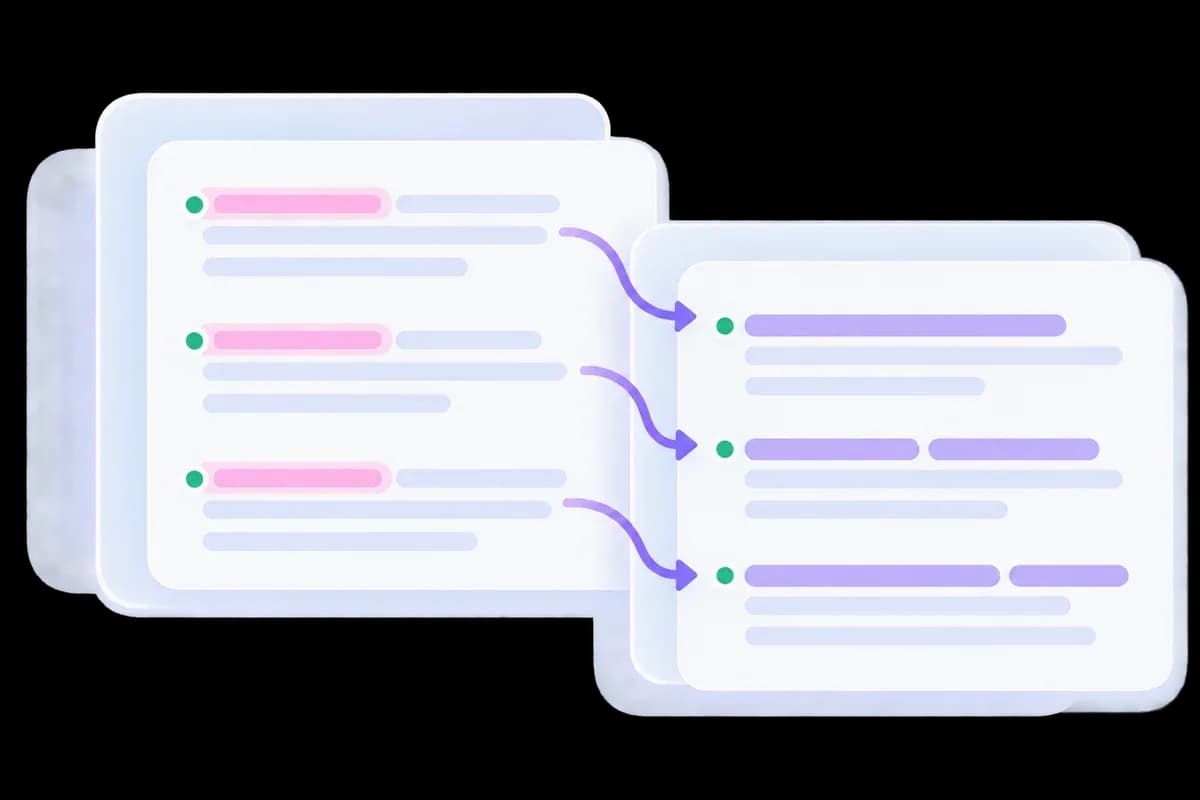
Looking for an AI detection remover? The useful change happens in the writing itself. Lynote reworks predictable phrasing and paragraph flow instead of hiding characters or merely switching a few synonyms.
Keep your examples, topic, and key facts in view as the language changes. The result should read like a coherent passage, rather than a sentence-by-sentence word swap.
Choose Your AI Bypass Strength
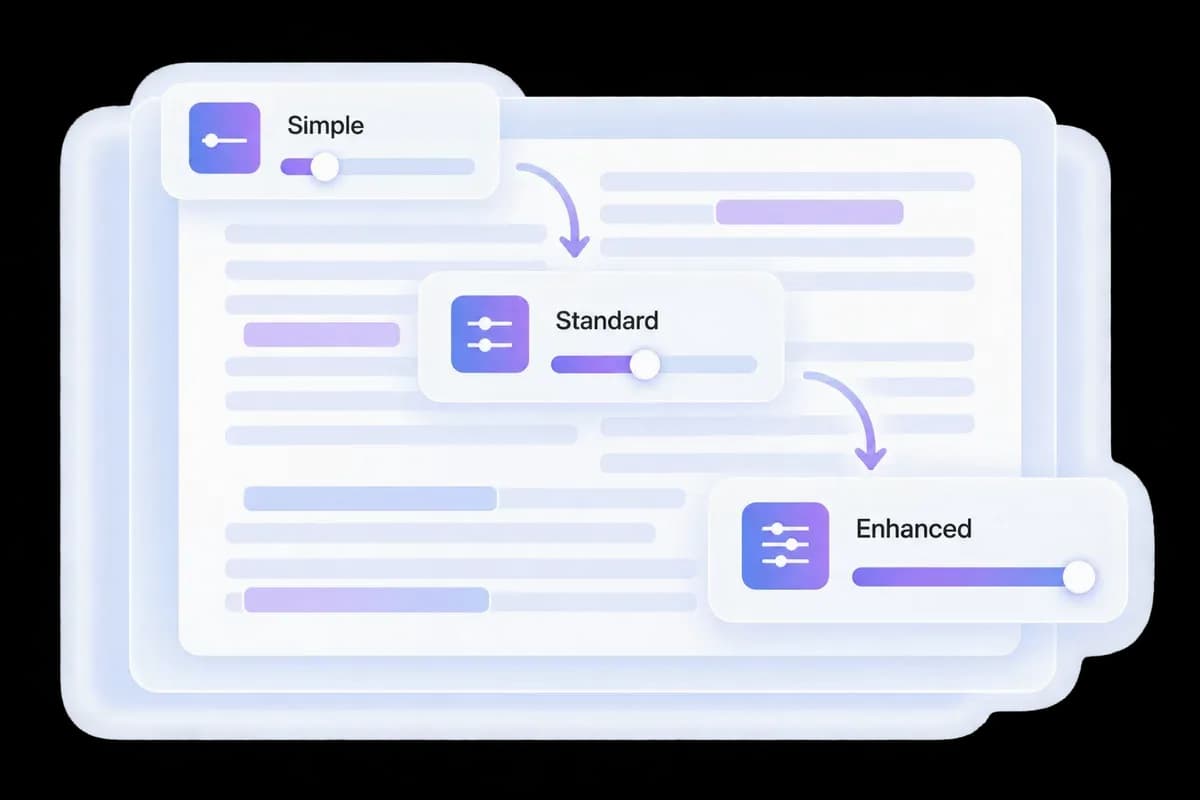
A nearly finished draft and a robotic first pass need different treatment. Choose Simple for a lighter rewrite, Standard for a broader pass, or Enhanced when more of the phrasing needs to change.
Set Readability and Purpose for the audience before running AI Bypass. These controls let you shape the rewrite around the document you are actually writing.
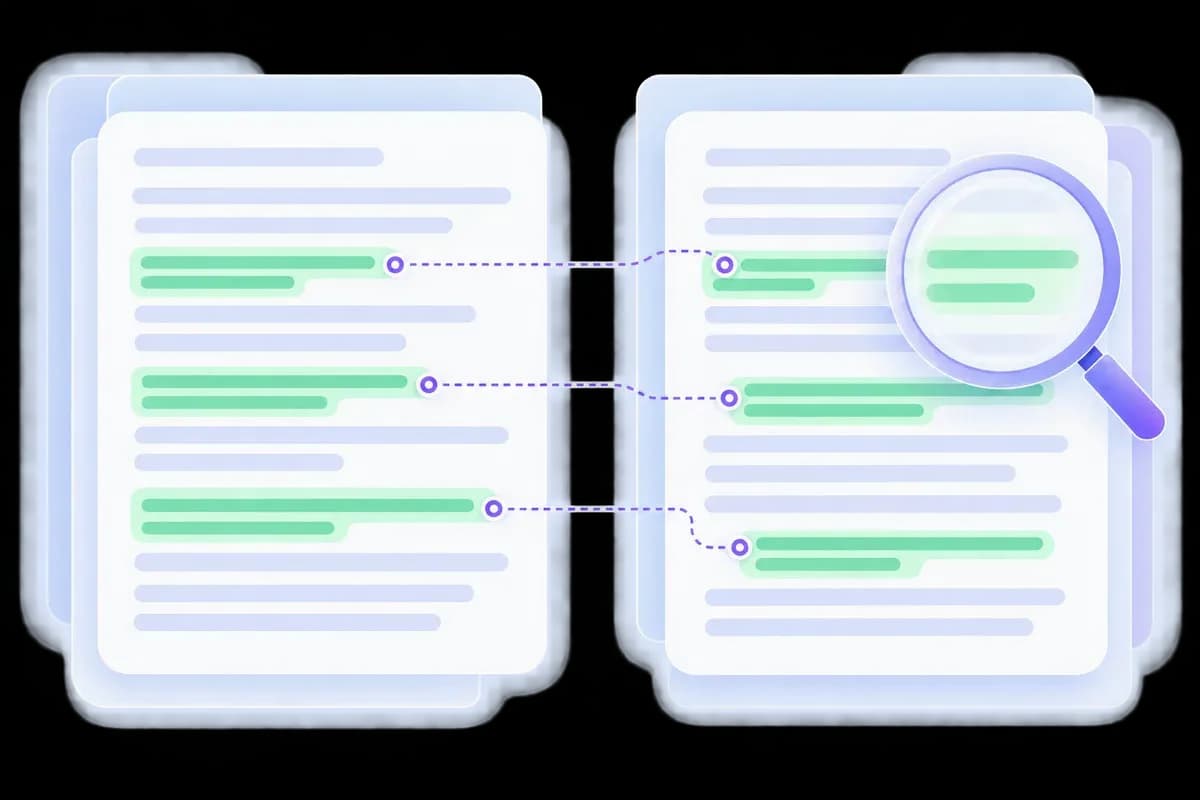
Humanize, Compare, and Check for AI
An AI content bypass workflow should leave you with text you can use. Compare the revised passage with your input, keeping names, figures, and important qualifications intact.
Switch to the AI Detector for a separate check. Review the highlighted lines alongside the writing; detector results can vary between services.
How to Use Lynote to Bypass AI-Style Writing
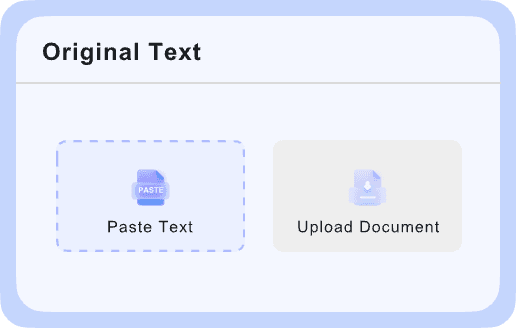
Add Your Draft
Paste a passage into Bypass AI or upload a supported file. Include the surrounding sentences so the rewrite has context, and keep a copy of the original.

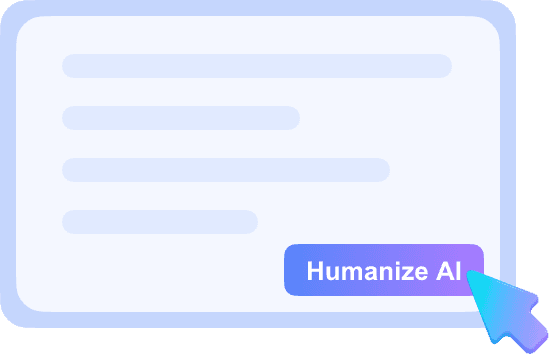
Choose and Run a Rewrite
Select a writing mode, Readability and Purpose for your task, then run AI Bypass. Compare the first result before changing settings or rewriting a longer passage.
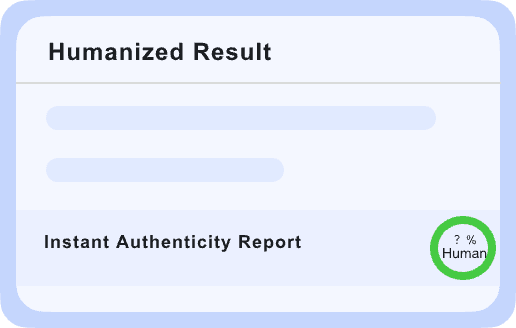
Review Before You Use It
Check the meaning, names, numbers and sources. Read the result aloud, add your own detail, and use the AI Detector tab if you want a separate signal check.
AI Bypasser, Synonym Swap or Manual Edit?
Choose an editing approach based on what your draft needs. These are workflow differences, not product test scores.
| Editing Task | Lynote + Your Review | Word-by-Word Replacement | Manual Editing |
|---|---|---|---|
| Best starting point | A stiff or repetitive draft | One unsuitable word | An argument needing judgment |
| Sentence structure | Generate alternative phrasing | Usually stays the same | Restructure it yourself |
| Writing controls | Mode, Readability and Purpose | Individual word choices | Your own editorial decisions |
| Facts and quotations | Compare with the original | Check context after each swap | Verify against sources |
| Your personal voice | Make a final editing pass | Check for awkward vocabulary | Shape it directly |
| AI signal check | Separate AI Detector tab | Requires a separate check | Requires a separate check |
| Free access | Check the tool’s current allowance | Depends on the tool | No rewriting tool required |
| Detector outcome | Not guaranteed | Not guaranteed | Not guaranteed |
Illustrative workflow comparison. No method guarantees a detector outcome; check the final text for accuracy and fit.
Where an AI Bypass Rewrite Can Help

Study Notes and Summaries
Simplify a dense explanation without dropping the definition, formula or source it depends on. Keep discipline-specific terms precise.
Simplify a dense explanation without dropping the definition, formula or source it depends on. Keep discipline-specific terms precise.

Website and Product Copy
Replace repeated introductions with a direct answer. Keep product details and useful search terms, then add examples grounded in your actual offering.
Replace repeated introductions with a direct answer. Keep product details and useful search terms, then add examples grounded in your actual offering.

Personal Statements
Edit the wording around your own experiences. Keep the events, motivations and achievements specific; do not let a rewrite invent a stronger story.
Edit the wording around your own experiences. Keep the events, motivations and achievements specific; do not let a rewrite invent a stronger story.

Video and Podcast Scripts
Break up sentences that are hard to say in one breath. Read the draft aloud and keep the phrasing you would actually use on camera.
Break up sentences that are hard to say in one breath. Read the draft aloud and keep the phrasing you would actually use on camera.
Client Emails and Proposals
Make the request or decision easier to find while preserving price, scope and deadlines. Review the tone for the person receiving it.
Make the request or decision easier to find while preserving price, scope and deadlines. Review the tone for the person receiving it.
Social Posts and Captions
Cut an overlong setup and bring the main point forward. Add your own observation so the post has something specific to say.
Cut an overlong setup and bring the main point forward. Add your own observation so the post has something specific to say.
Want a Better Final Edit?
Read Lynote’s AI Humanizer Handbook for more guidance on revising an AI-assisted draft.
Watch the Lynote Bypass AI Walkthrough
Explore the tool workflow, then return to the editor and try a passage from your own draft.
Writer Feedback on Lynote Bypass AI

Graduate Student

Lynote AI ByPass helped me rewrite AI-assisted essays into more natural writing. It feels much safer for bypass AI detector checks, and the final result still sounds like my own work.

Freelance Writer
What I liked first was that Lynote offers an AI bypass free workflow to test quickly. I could paste a draft, get a smoother rewrite, and see the difference without wasting time.

SEO Content Strategist
I’ve tested several tools, but Lynote is one of the few that can actually help bypass AI detector signals without making the text awkward. The rewrite feels clean, readable, and usable.

Content Creator
It is hard to find an AI bypass free tool that still gives readable output. Lynote did a much better job than I expected, especially for captions and short content drafts.

Blog Editor
Lynote works well as an AI detection remover when a draft feels too robotic. It softens repetitive wording and removes the obvious machine-written tone that usually stands out right away.

Agency Founder
We use Lynote as an AI detection remover for first-pass cleanup before final editing. It helps our team turn stiff AI drafts into more natural content without losing the original message.
What Changes in an AI Bypass Rewrite?
Sentence Patterns
Repeated openings and uniform sentence lengths are reworked into a less mechanical flow.
Repeated openings and uniform sentence lengths are reworked into a less mechanical flow.
Word Choice
Stock transitions and inflated phrases give way to wording that fits the surrounding paragraph.
Stock transitions and inflated phrases give way to wording that fits the surrounding paragraph.
Your Message
The topic and intended meaning guide the rewrite. Compare factual details before using the result.
The topic and intended meaning guide the rewrite. Compare factual details before using the result.
Check the Revision
Compare the output with your original before running a separate detector check.
Compare the output with your original before running a separate detector check.
Bypass AI: Questions Before You Rewrite
How the tool works, what to review, and what an AI detector result can tell you.
Paste your draft into Lynote, choose a rewrite mode, and run AI Bypass. Compare the revised text with your original, then check it with the detector relevant to your workflow.
Yes. Start with the free allowance available in the editor. Current word limits and account requirements are shown in the product; free access does not mean unlimited use.
An AI bypasser rewrites AI-generated text to reduce robotic phrasing and repetitive patterns. Lynote provides rewrite modes and writing controls so the output can fit your audience.
It rewrites the visible text. AI detection is not a single hidden tag that can be removed from an ordinary paragraph. Changes to wording and structure are what you can compare in the output.
No result is guaranteed across every detector. Review your output and assess it with the service you actually use. For a focused workflow, see our GPTZero and Turnitin humanizer pages.
