

GPTZero Humanizer — Bypass GPTZero With Natural Writing
Content
Bypass Result

Your transformed text will be ready here. To begin, paste your AI-generated text above and humanize it.



Why Choose Our GPTZero Humanizer?

Sentence-Level Rewriting
Rework the structure and flow of a passage, beyond swapping isolated words.

Three Rewrite Modes
Choose Simple, Standard, or Enhanced for the depth of revision your draft needs.

Your Meaning in Focus
Compare original and revised text together, with key facts and terminology in view.

Writing That Fits
Adjust Readability and Purpose to suit the audience and document.

Text and Document Input
Paste your draft or upload a supported file to begin rewriting in the browser.

Compare Before You Copy
Read the revised passage beside the original, then copy the version you want to use.
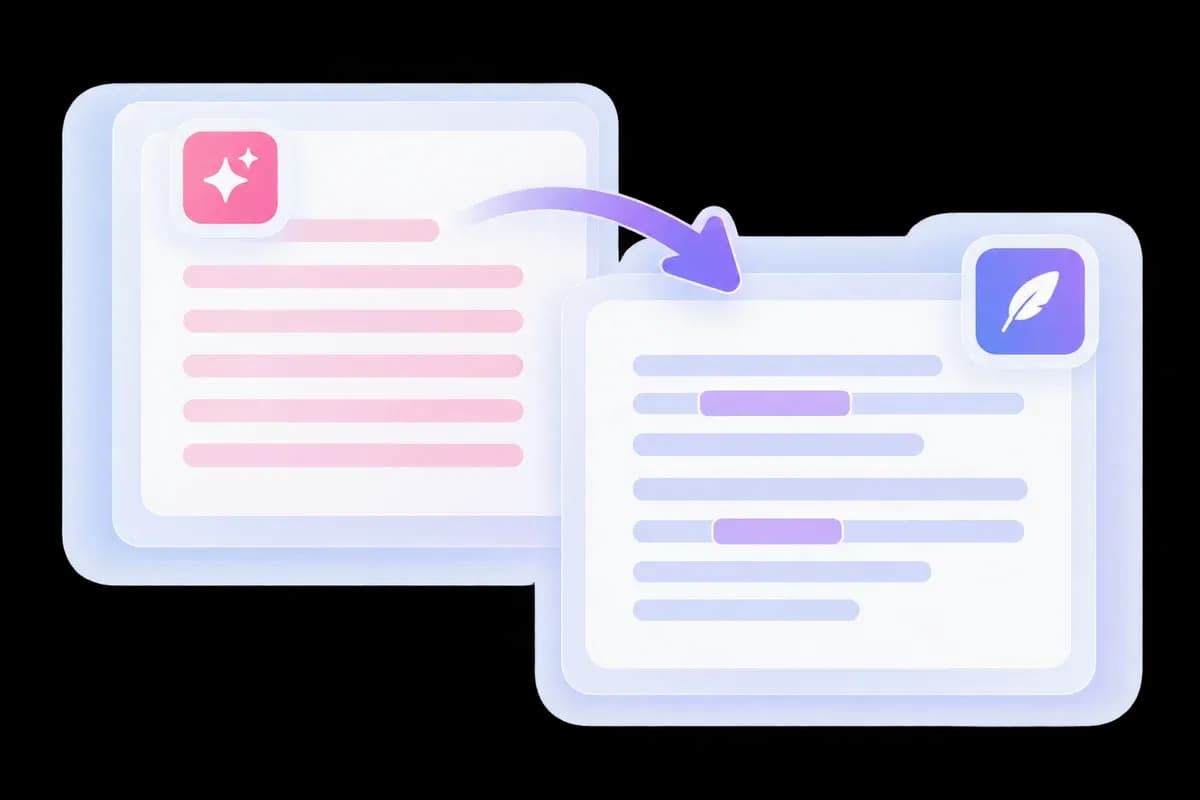
Humanize AI Text to Bypass GPTZero
A GPTZero flag can send you back to the same paragraph again and again. Lynote’s GPTZero humanizer gives you a new version to work with, replacing formulaic phrasing and repeated transitions across the passage.
Start with the full paragraph so the rewrite keeps its context. If your task spans several detectors, the broader AI bypasser provides another starting point.
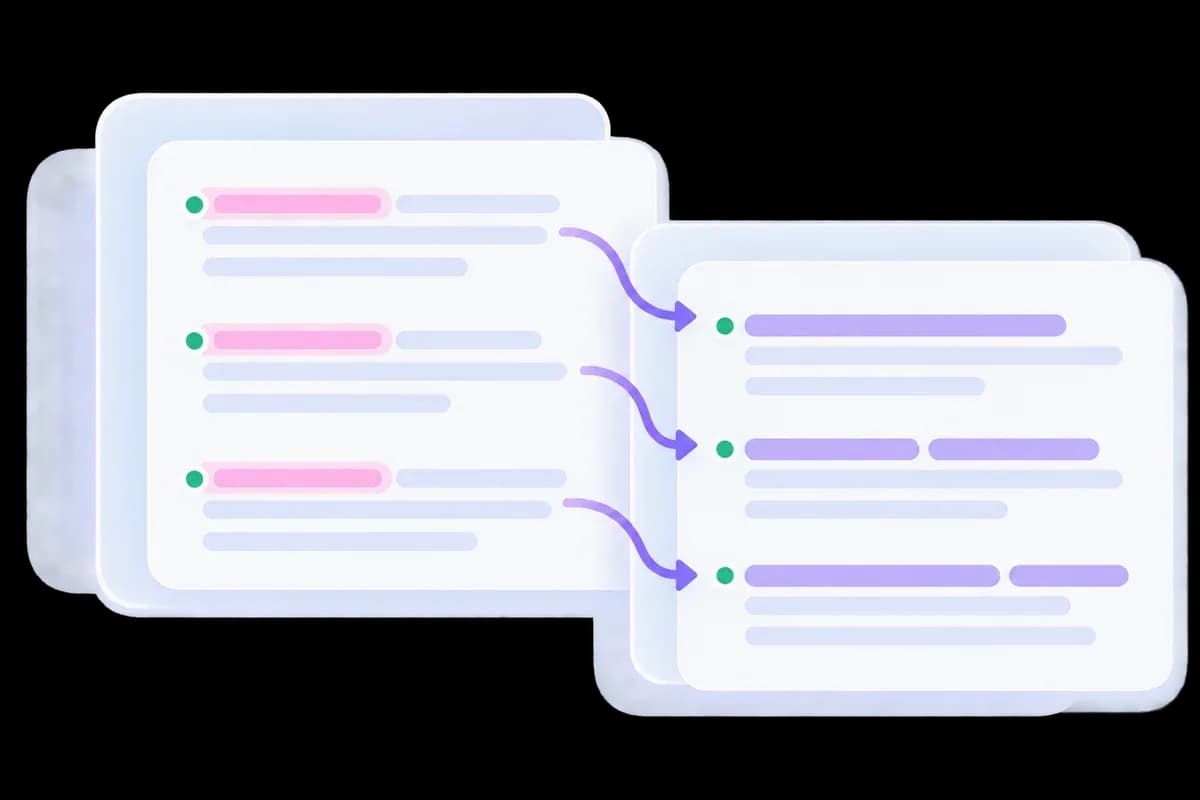
A GPT Zero Bypasser Beyond Word Swaps
A draft can still read mechanically after every second word has been replaced. This GPT Zero bypass tool works on sentence structure and flow, helping the revision sound less like a fixed template.
Repeated introductions, predictable transitions, and paragraphs with identical rhythm are the places to focus. Keep the examples and specific details that give the writing its own point of view.
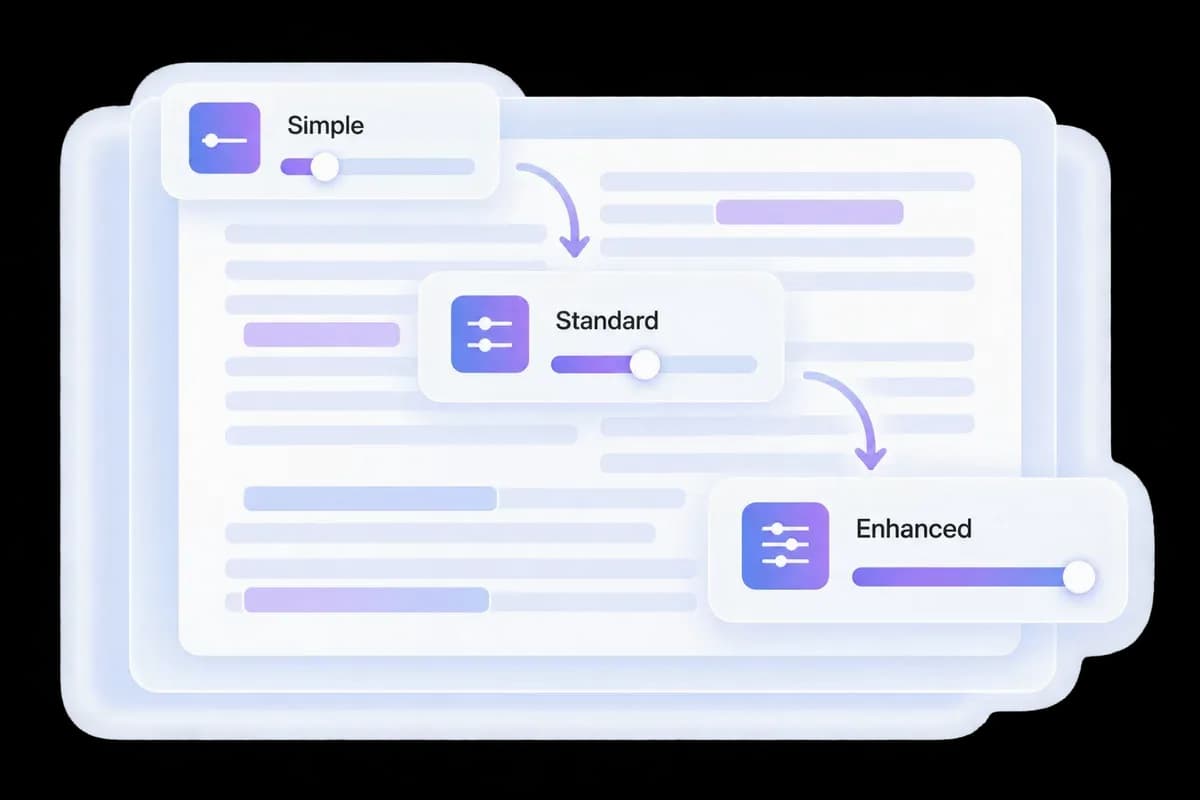
Three Rewrite Levels for GPTZero Bypass
Choose how much of the draft to change before your next GPTZero review. Simple suits a light cleanup; Standard gives a broader rewrite; Enhanced offers a deeper revision of mechanical passages.
Use Readability and Purpose to match the output to an article, report, or other writing task. You control the starting settings and choose the version that best carries your meaning.
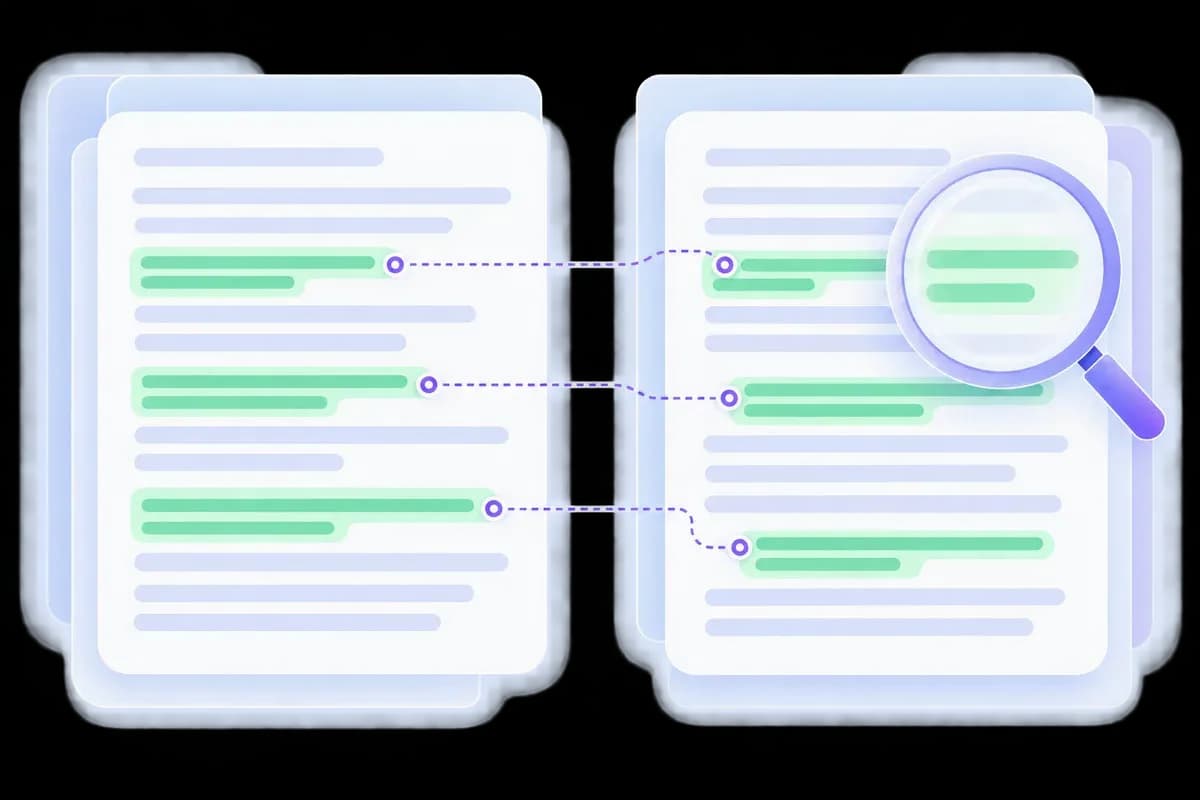
Compare Your GPTZero Humanizer Result
See the original and revised text together so you can check what changed. Keep key terms, dates, and source references accurate while improving how the passage reads.
Lynote’s AI Detector offers a separate check. For a GPTZero result, assess the revision in GPTZero itself; Lynote is an independent product, not an official GPTZero integration.
How to Use the GPTZero Bypass Humanizer
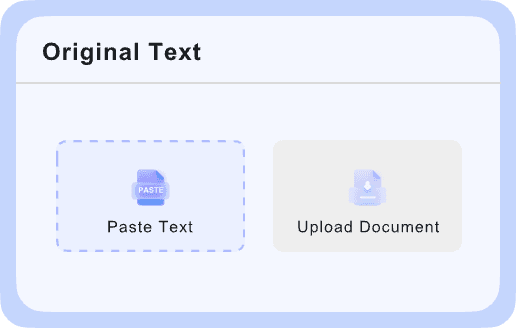
Add Your Draft
Paste your text or upload a supported document. Include a complete passage rather than isolated words, and keep a copy of the original.

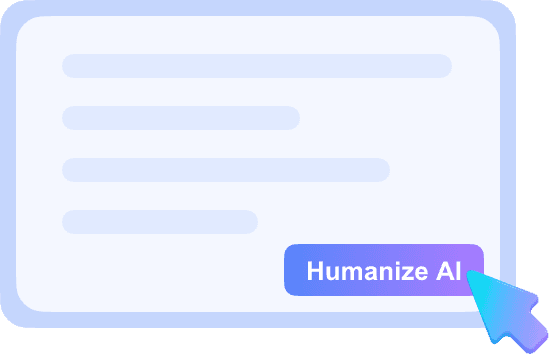
Choose a Level and Rewrite
Select Simple, Standard, or Enhanced, adjust the available writing settings, and click Bypass to generate a new version.
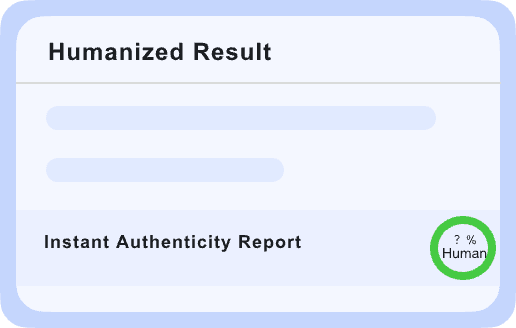
Compare, Then Recheck
Read the output for meaning, voice, and citations. If you need a GPTZero assessment, check the revised passage with GPTZero separately.
GPTZero Humanization for Different Drafts

Articles and Blog Drafts
Replace repeated introductions and generic transitions while retaining the examples that make the article useful.
Replace repeated introductions and generic transitions while retaining the examples that make the article useful.

Reports and Research Summaries
Make dense explanations easier to follow. Keep technical terms, numerical results, and qualifications accurate.
Make dense explanations easier to follow. Keep technical terms, numerical results, and qualifications accurate.

Essays and Reflections
Revise permitted AI-assisted passages in your own voice. Retain your argument and source attribution, and follow the rules for your assignment.
Revise permitted AI-assisted passages in your own voice. Retain your argument and source attribution, and follow the rules for your assignment.

Client and Marketing Copy
Remove stock phrases from drafts before a client review. Check that product details and promises still match the brief.
Remove stock phrases from drafts before a client review. Check that product details and promises still match the brief.
How to Bypass GPT Zero Without Losing Your Message
Revise the Flagged Passage
Work with the complete paragraph rather than replacing isolated words without context.
Work with the complete paragraph rather than replacing isolated words without context.
Keep Your Specifics
Preserve examples, evidence, and terminology that belong to your subject.
Preserve examples, evidence, and terminology that belong to your subject.
Recheck the Same Text
Compare the same complete passage before and after revision in the detector you use.
Compare the same complete passage before and after revision in the detector you use.
Choose the Rewrite Depth
Use a lighter mode for a nearly finished passage or a deeper mode for a mechanical draft.
Use a lighter mode for a nearly finished passage or a deeper mode for a mechanical draft.
GPTZero Humanizer FAQs
Answers about GPTZero bypass, free access, and reviewing your rewrite.
Paste the passage into Lynote, choose a mode, and generate a humanized rewrite. Compare it with your source, then assess it in GPTZero if that is the detector you use.
You can try Lynote’s GPTZero humanizer with the free allowance shown in the editor. Check current usage limits before rewriting a long document.
No. GPTZero and ZeroGPT are separate detection services. Searches such as bypass zero gpt can refer to either name, but this page focuses on GPTZero.
Yes. Paste your existing ChatGPT draft into the editor and choose a rewrite level. Review the revised argument and details before checking the passage again.
Individual examples do not establish a consistent result. Compare the original text, complete rewrite, detector, and test date when assessing a recommendation.
Yes. A rewrite is not a guaranteed classification. Use the result to improve the passage and evaluate it with GPTZero when that is your required check.
Try Your Draft in the GPTZero Humanizer
Start with one passage. Choose a rewrite level, compare the wording, and keep the version that carries your meaning.
