

Bypass GPT — GPT Bypasser for Human-Sounding Text
Content
Bypass Result
Your transformed text will be ready here. To begin, paste your AI-generated text above and humanize it.



Why Use Lynote Bypass GPT?
Sentence-Level Rewriting
Rework the structure and flow of a passage, beyond swapping isolated words.
Three Rewrite Modes
Choose Simple, Standard, or Enhanced for the depth of revision your draft needs.

Your Meaning in Focus
Compare original and revised text together, with key facts and terminology in view.
Writing That Fits
Adjust Readability and Purpose to suit the audience and document.

Text and Document Input
Paste your draft or upload a supported file to begin rewriting in the browser.

Compare Before You Copy
Read the revised passage beside the original, then copy the version you want to use.
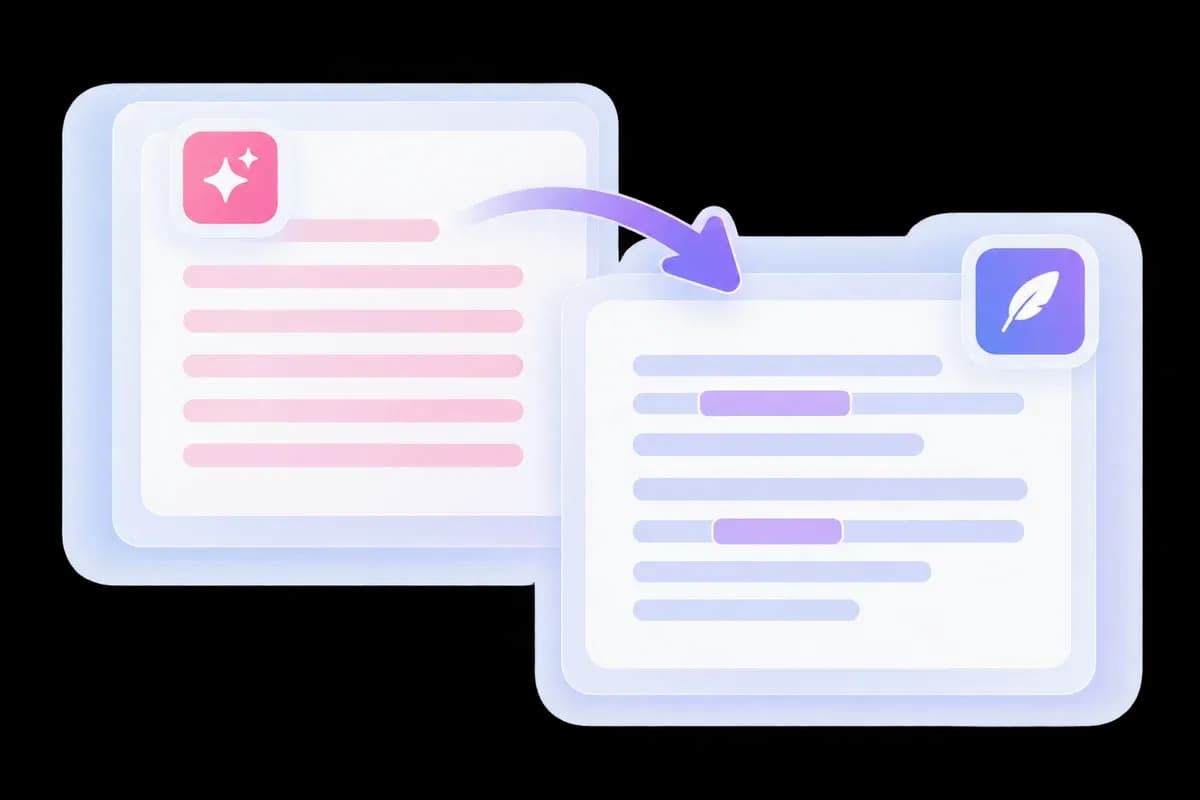
Bypass GPT Writing Patterns in Your Draft
GPT drafts can be grammatically tidy yet full of repeated introductions and predictable conclusions. Lynote’s GPT bypasser reshapes those passages into writing that reaches the point sooner.
Paste the draft you already have and revise it in the editor. For a dedicated ChatGPT workflow, try the ChatGPT Humanizer.
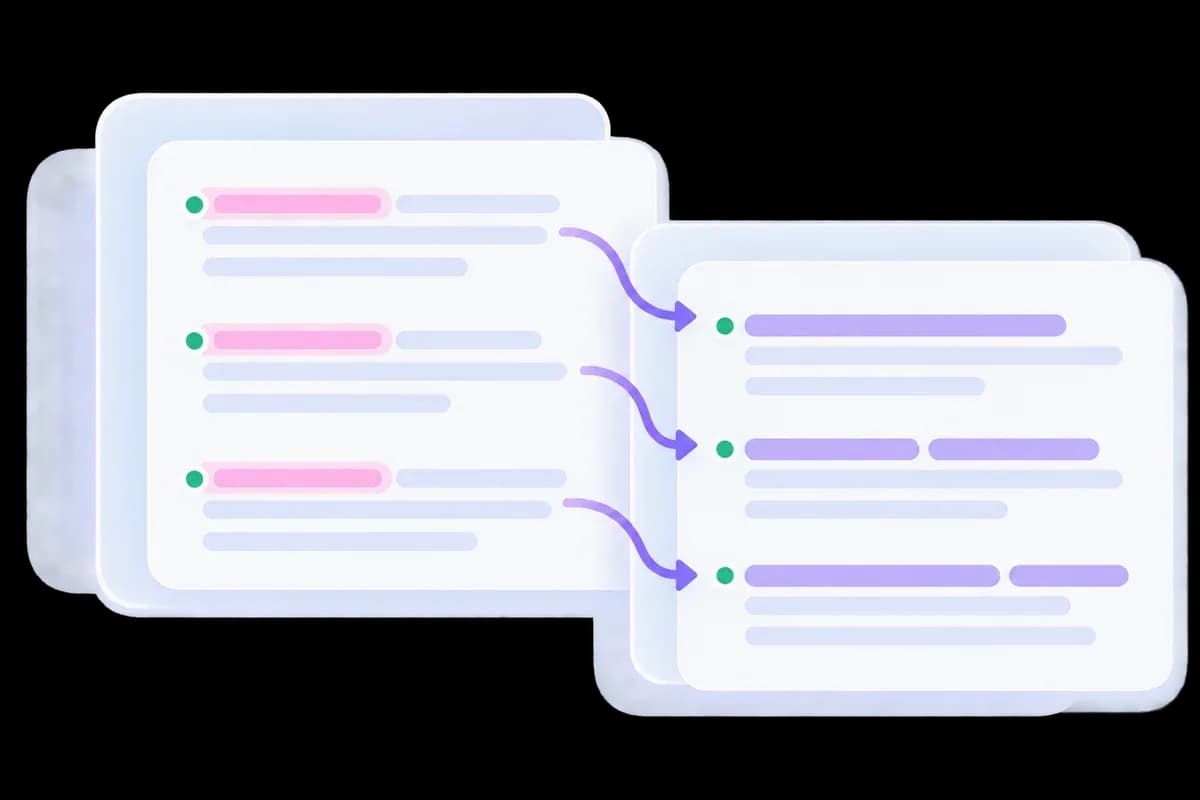
A GPT Bypass Humanizer, Not a Synonym Spinner
The problem is often the sentence, not a single word. Lynote reworks stock phrasing and repetitive paragraph structures so the output does more than replace familiar words with rarer ones.
A direct statement can take the place of a lengthy introduction. Keep the detail that earns its place and let the rewrite improve the connections between ideas.
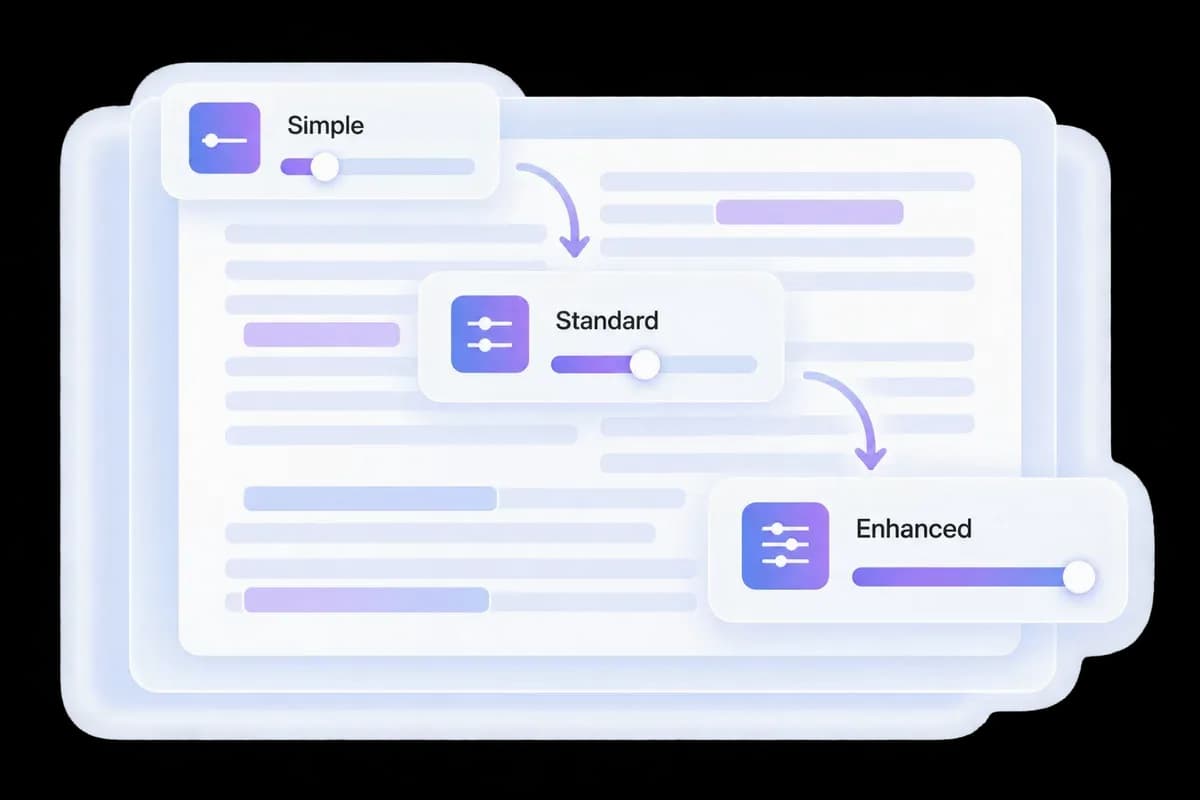
Control How You Bypass GPT Text
Some ChatGPT drafts need a light edit; others need a new rhythm throughout. Select Simple, Standard, or Enhanced to choose the depth of your GPT bypass rewrite.
Readability and Purpose settings help adapt the language to the reader. Set them for the document you are preparing, then compare the output in the result panel.
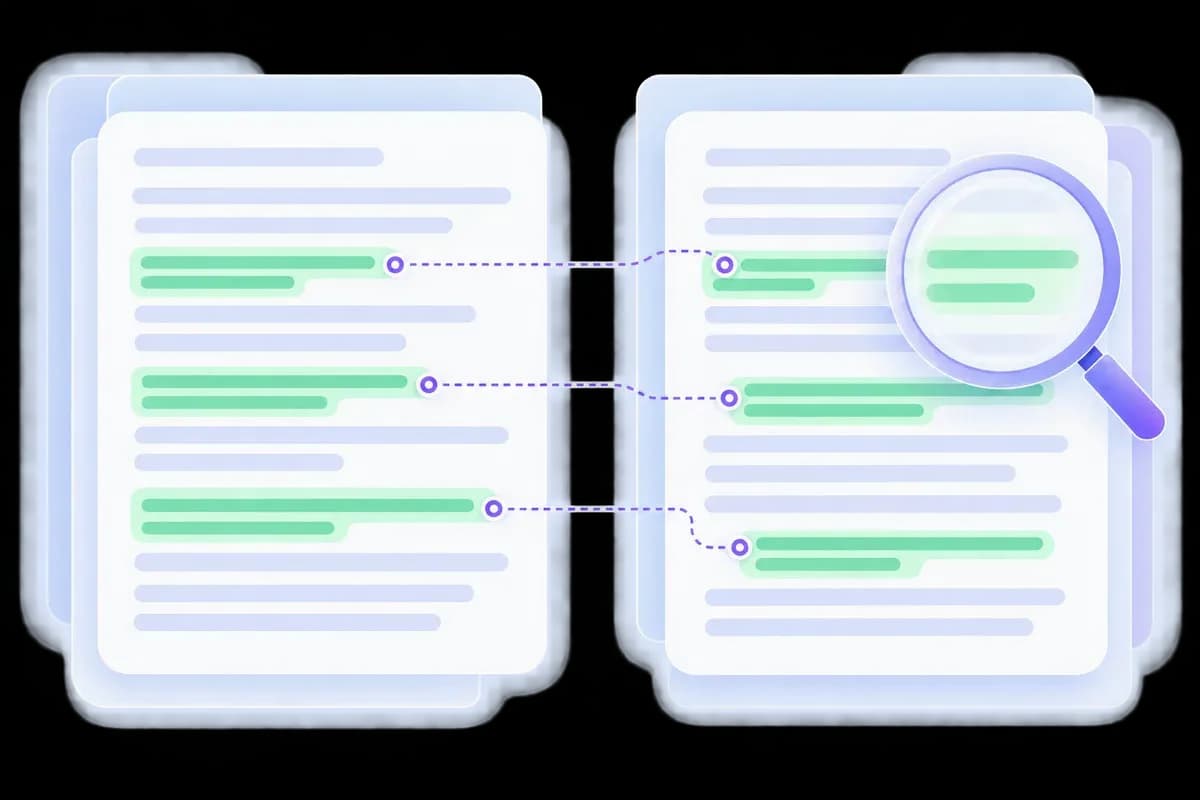
Keep the Details That Make GPT Text Useful
A product name, delivery date, or numerical finding can matter more than a polished sentence. Compare the GPT bypass result with the original so the new wording still says what you intended.
For detector-focused rewriting across different AI sources, use Bypass AI. To inspect a finished passage, run a separate AI detection check.
How to Use Bypass GPT
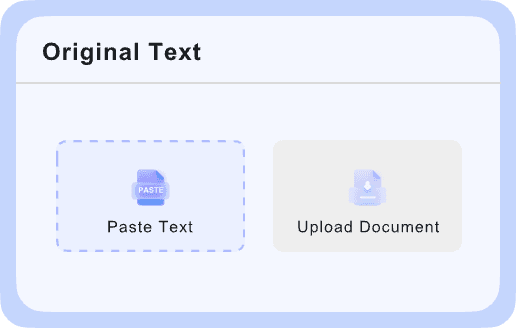
Paste Your GPT Draft
Add a complete passage to the editor or upload a supported file. Keep the source so you can compare details after rewriting.

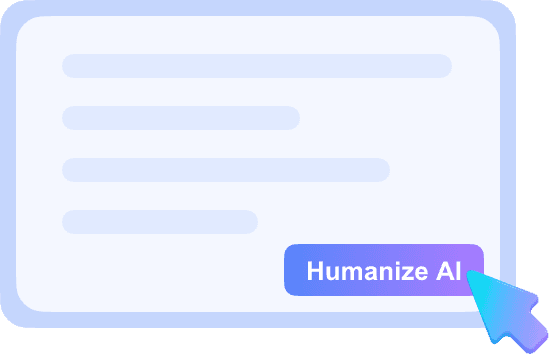
Set the Rewrite Strength
Choose Simple, Standard, or Enhanced, adjust Readability and Purpose as needed, then click GPT Bypass.
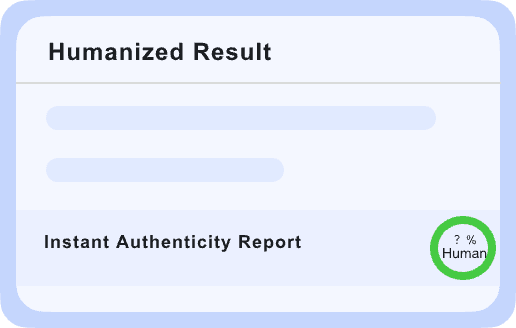
Review Your Bypass Result
Check the wording, tone, and facts. Copy the revision when it reads naturally and still says what you intended.
GPT Bypass for the Draft You Actually Have

Emails That Get to the Point
Trim stock openings and excessive formality. Keep the request, deadline, and next step easy to find.
Trim stock openings and excessive formality. Keep the request, deadline, and next step easy to find.

Articles with a Clear Voice
Revise repetitive paragraph structures while retaining examples, useful explanations, and the author’s perspective.
Revise repetitive paragraph structures while retaining examples, useful explanations, and the author’s perspective.

Product Copy with Specific Benefits
Replace vague praise with direct wording. Verify that features, conditions, and product claims remain accurate.
Replace vague praise with direct wording. Verify that features, conditions, and product claims remain accurate.

Reports with Readable Explanations
Make dense summaries easier to follow without turning uncertain findings into firm conclusions.
Make dense summaries easier to follow without turning uncertain findings into firm conclusions.
GPT Bypass for the Text You Already Have
ChatGPT Drafts
Rework stock openings and repeated conclusions in an existing answer or article draft.
Rework stock openings and repeated conclusions in an existing answer or article draft.
Long GPT Passages
Give paragraphs a less uniform rhythm while keeping the connections between ideas.
Give paragraphs a less uniform rhythm while keeping the connections between ideas.
Business Copy
Make reports, emails, and product explanations more direct without losing their practical details.
Make reports, emails, and product explanations more direct without losing their practical details.
Writing Controls
Choose Readability, Purpose, and rewrite strength before generating your revision.
Choose Readability, Purpose, and rewrite strength before generating your revision.
Bypass GPT FAQs
What this GPT bypass tool does, how to use it, and what to check in the result.
It is a GPT bypass humanizer that rewrites existing AI-generated text. Paste a draft, select a mode, and compare a revised version in the editor.
Add your ChatGPT draft, choose Simple, Standard, or Enhanced, and run GPT Bypass. The tool rewrites phrasing and sentence flow; you then review the result for meaning and tone.
No. This is Lynote’s Bypass GPT tool. It is a separate product from BypassGPT.
Start with the free allowance displayed in Lynote’s editor. Current limits and account requirements are shown in the product.
Here it means humanizing GPT-generated text. It does not unlock ChatGPT subscriptions, override chatbot rules, or change access to the service.
No single rewrite guarantees the same result across every detector. Read the output and check it with the relevant detector if your workflow requires one.
