

Turnitin Humanizer — Humanize AI Text for Turnitin
Content
Bypass Result
Your transformed text will be ready here. To begin, paste your AI-generated text above and humanize it.



Why Use Lynote’s Turnitin Humanizer?

Sentence-Level Rewriting
Rework the structure and flow of a passage, beyond swapping isolated words.
Three Rewrite Modes
Choose Simple, Standard, or Enhanced for the depth of revision your draft needs.

Your Meaning in Focus
Compare original and revised text together, with key facts and terminology in view.

Writing That Fits
Adjust Readability and Purpose to suit the audience and document.

Text and Document Input
Paste your draft or upload a supported file to begin rewriting in the browser.

Compare Before You Copy
Read the revised passage beside the original, then copy the version you want to use.
Humanize AI Text for a Turnitin Review
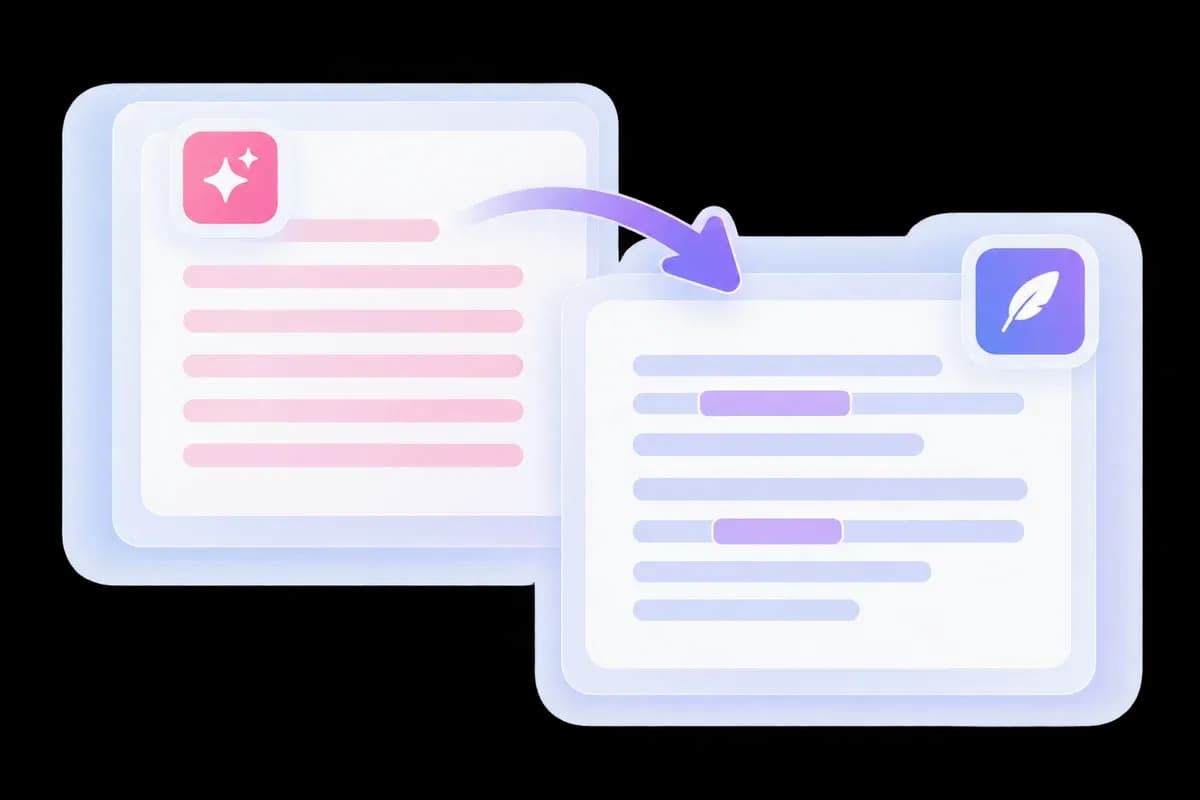
Formulaic transitions and uniform sentences can make an academic draft feel disconnected from the writer’s argument. Lynote’s Turnitin humanizer reworks those passages with a more natural flow.
Paste a permitted AI-assisted passage and compare the revision beside your draft. For a broader academic writing task, explore the Essay Humanizer.
Turnitin AI Bypass Starts With Better Sentences
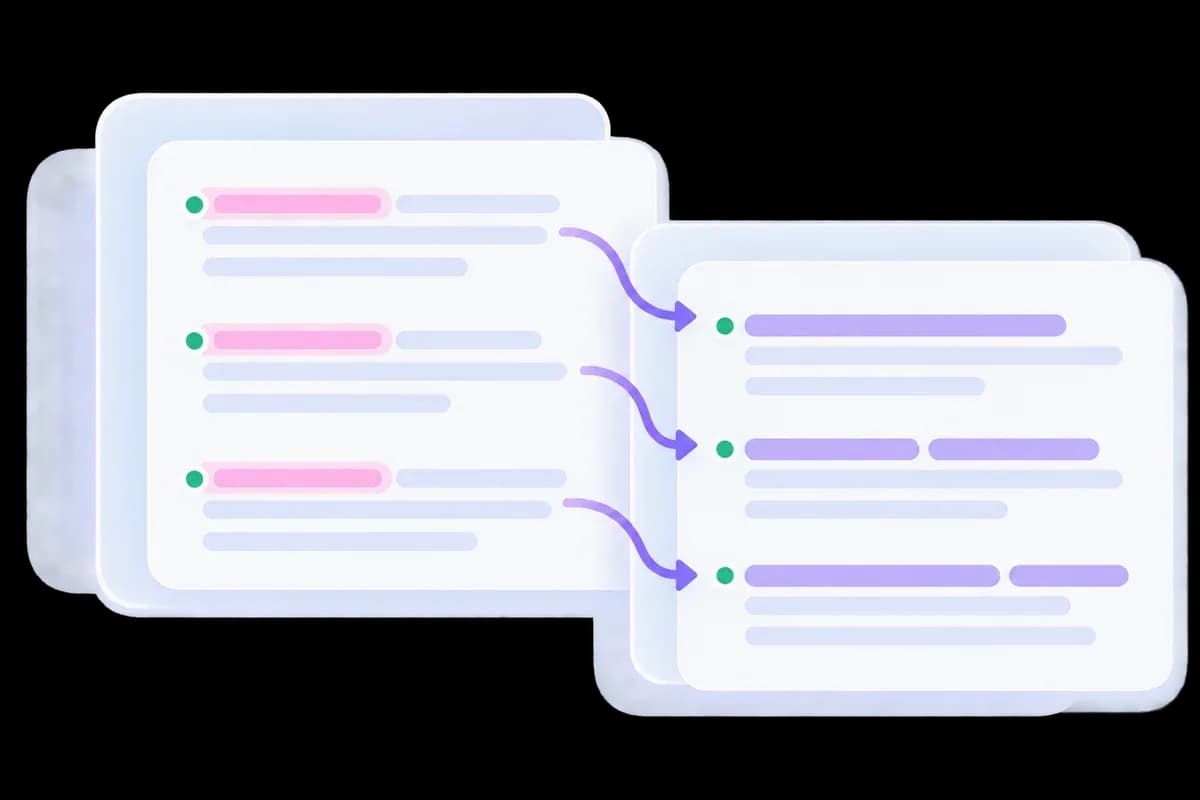
An effective revision changes how an argument is expressed, rather than simply rotating synonyms. Lynote reworks repetitive openings and mechanical transitions while keeping the passage focused on its subject.
Use the new version as a writing revision. Your analysis and evidence still belong at the center of the paragraph, with references checked against their original sources.
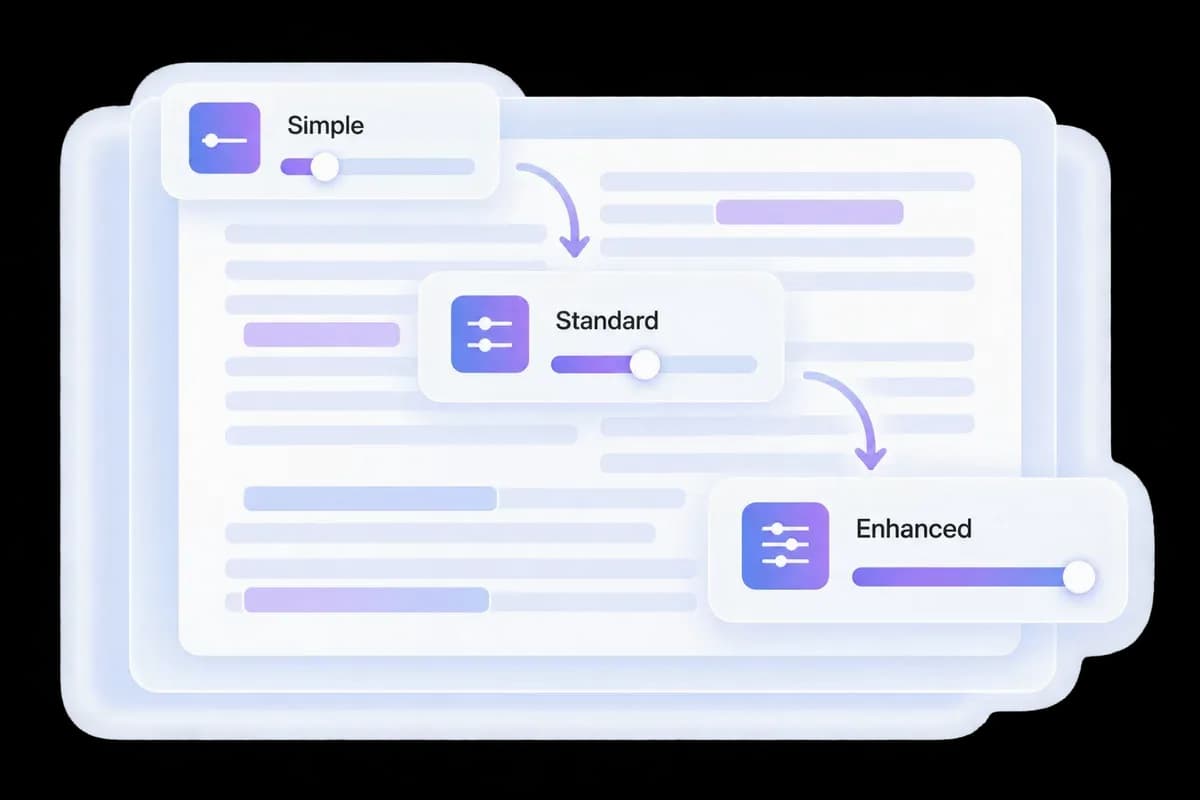
Choose the Depth of Your Turnitin Humanizer Rewrite
Use Simple for lighter phrasing changes, Standard for a broader pass, or Enhanced when an AI-assisted draft needs a deeper rewrite. You can adjust Readability and Purpose before generating the result.
Match the language to the document: a research summary should retain precise terminology, while a reflective passage should still sound like its author.
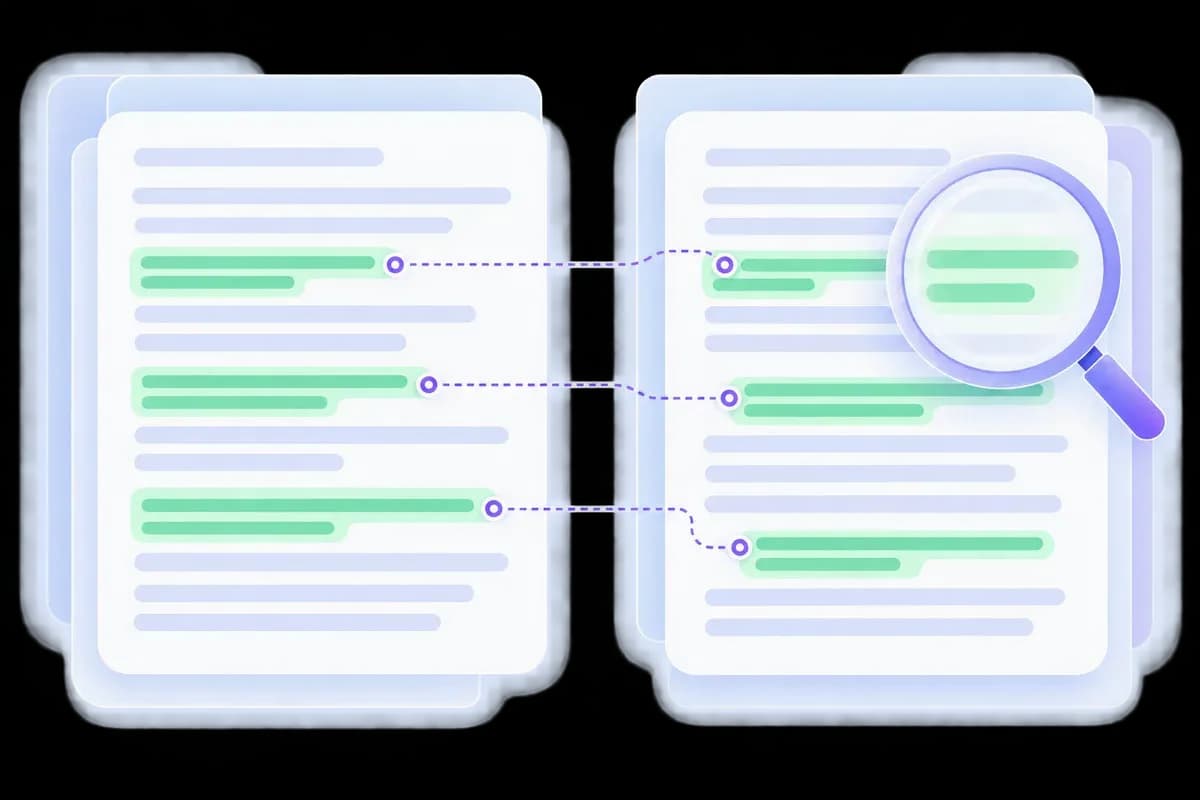
Compare the Argument, Citations, and Meaning
The revised passage should carry the same claim and qualifications as your original. Check names, numbers, direct quotations, and references in the side-by-side result before using it.
Lynote’s AI Detector is a separate writing check, not a Turnitin report. Follow the rules for your assignment and keep your drafts and sources available.
How to Use Lynote’s Turnitin Humanizer
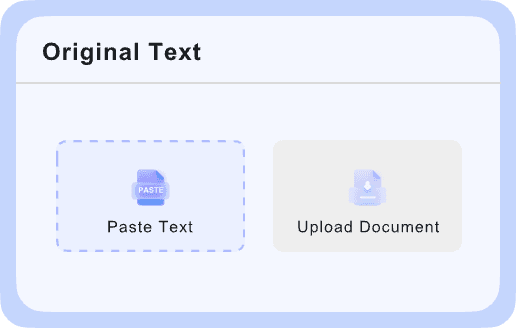
Add a Passage You Can Verify
Paste an AI-assisted draft or upload a supported document. Keep the original and its sources available for comparison.

Choose a Rewrite Level
Select Simple, Standard, or Enhanced and click Bypass. Review the new phrasing instead of accepting every change automatically.
Check Meaning and Attribution
Read the revision alongside your argument and sources. Verify quotes, citations, and facts, then follow your institution’s review process.
Academic Drafts You Can Revise with Lynote

Essay Paragraphs
Improve awkward phrasing around a claim, evidence, and explanation. Keep the analysis that makes the paragraph your own.
Improve awkward phrasing around a claim, evidence, and explanation. Keep the analysis that makes the paragraph your own.

Literature Summaries
Clarify an author’s argument without changing its scope. Keep attribution close to the ideas you summarize.
Clarify an author’s argument without changing its scope. Keep attribution close to the ideas you summarize.

Research Reports
Make dense prose more readable while preserving methods, numerical results, and uncertainty.
Make dense prose more readable while preserving methods, numerical results, and uncertainty.

Reflections and Discussion Posts
Replace stock phrasing with language that reflects your actual response. Add the examples and perspective only you can supply.
Replace stock phrasing with language that reflects your actual response. Add the examples and perspective only you can supply.
Before Your Next Turnitin Review
Keep the Writing History
Retain your notes and drafts so you can explain how the argument developed.
Retain your notes and drafts so you can explain how the argument developed.
Check Source Attribution
Verify quotations and citations after rewriting. A smoother sentence still needs the right source.
Verify quotations and citations after rewriting. A smoother sentence still needs the right source.
Separate AI and Similarity Checks
An AI-writing assessment and a similarity report measure different things. Rewriting does not resolve missing attribution.
An AI-writing assessment and a similarity report measure different things. Rewriting does not resolve missing attribution.
Review the Revised Passage
Read the complete argument after rewriting so its logic and qualifications remain intact.
Read the complete argument after rewriting so its logic and qualifications remain intact.
Turnitin Humanizer and AI Bypass FAQs
How rewriting, AI detection, and similarity checking fit into your review.
Paste a permitted AI-assisted passage, choose a rewrite mode, and compare the revision with your original. Keep your own argument and check references before using the text.
No tool can guarantee a particular Turnitin outcome. Lynote rewrites the text; it does not control Turnitin’s assessment or provide an official Turnitin score.
Compare whether the rewrite keeps your argument, handles technical terms clearly, and leaves references accurate. Evaluate the complete passage rather than relying on a promotional score.
Results depend on the passage, tool settings, and detector version. We do not have comparable tests here that establish a pass rate for Phrasly, Walter Writes, or Lynote.
A single screenshot is not enough to predict another result. Look for the complete passage, rewrite, date, and report type when evaluating a claim.
No. Rewriting does not remove the need to credit a source. Check attribution and quotations separately from AI-writing signals.
